

Enterprise-Ready Freelancing Tools Organized by Investment Level: A Strategic Guide for Growing Agencies
Running a freelancing business at scale requires more than basic productivity apps. As your operation grows from solo work to managing teams, clients, and complex projects, you need tools that can handle enterprise demands without breaking. This guide organizes essential freelancing tools by cost tier, helping you make smart investment decisions based on your current revenue and growth stage. Whether you’re bootstrapping or ready to invest in premium infrastructure, you’ll find practical options that support professional operations.
- Legiit: Scalable Service Marketplace with Built-In Client Acquisition
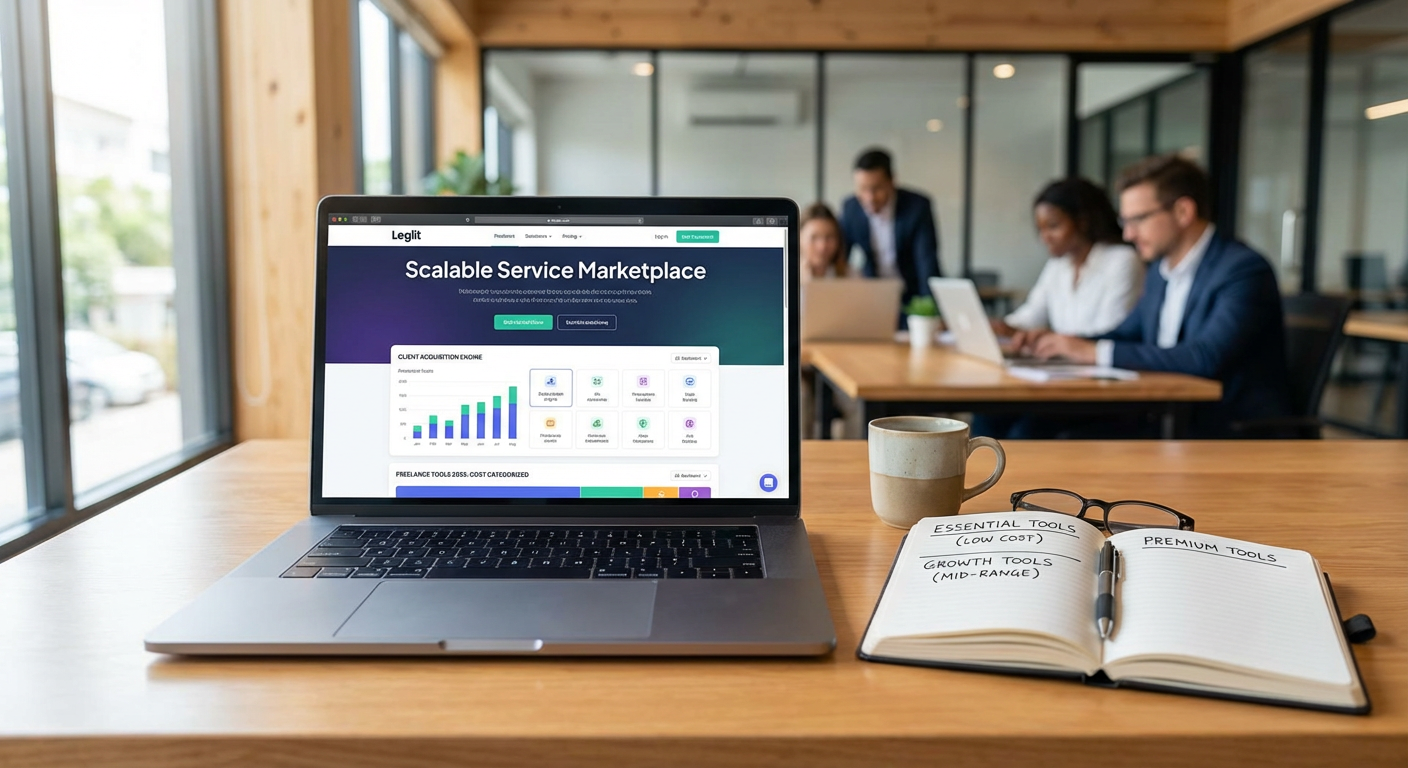
For freelancers building agency-level operations, Legiit provides a professional marketplace platform that handles both service delivery and client acquisition. The platform lets you list multiple service tiers, manage team members, and process payments securely without building your own infrastructure. You can create detailed service packages with clear deliverables, timelines, and pricing, which helps establish credibility with corporate clients who need predictable project scopes.
Legiit operates on a commission model rather than upfront subscription fees, making it accessible when you’re starting out while scaling naturally as your revenue grows. The platform includes features like automated order management, secure file sharing, and integrated messaging that become more valuable as you handle higher volumes. Many successful freelancers use Legiit as their primary storefront while maintaining their own website for brand presence, creating a two-channel approach that maximizes visibility and conversion.
- Free Tier: Google Workspace Basic with Custom Domain
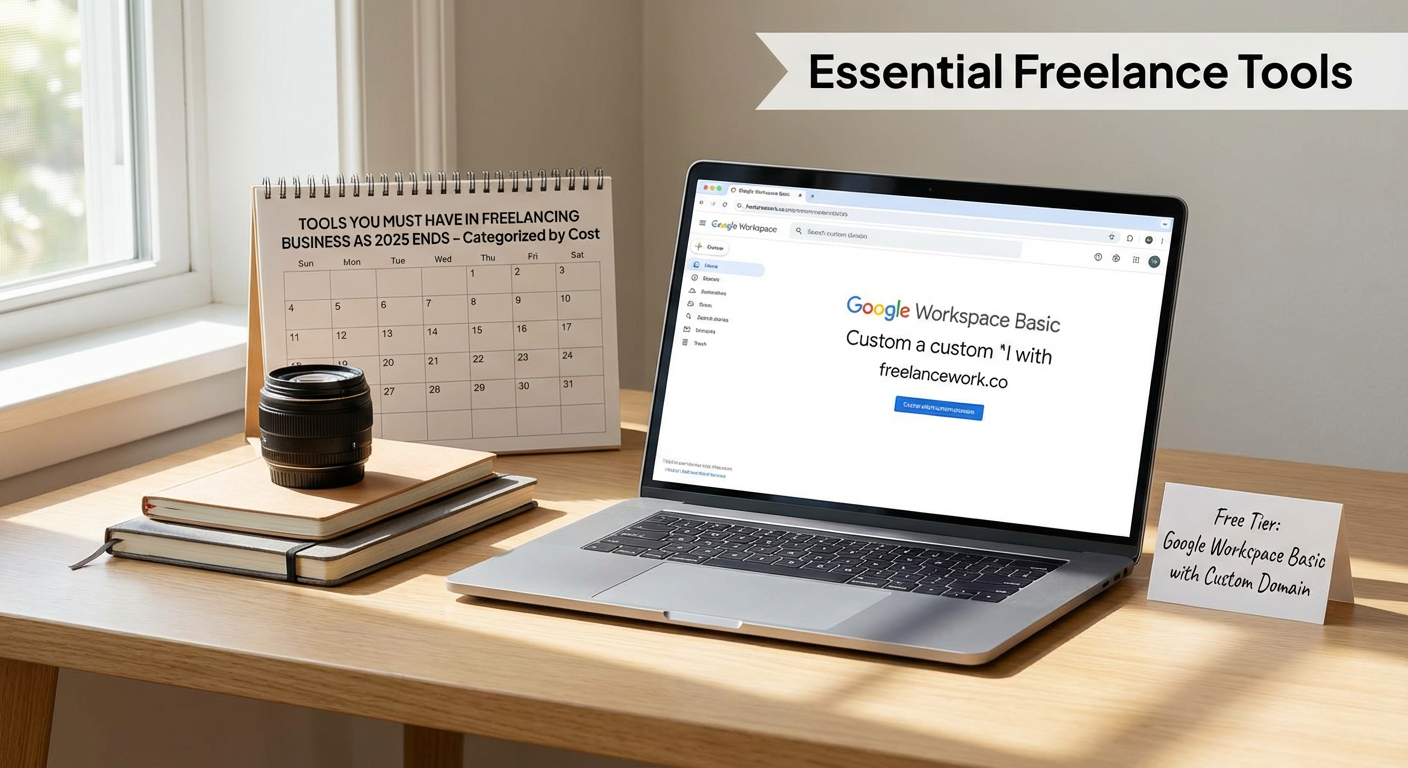
Professional email remains non-negotiable for serious freelancing operations. Google Workspace starts free for basic Gmail, but investing in the custom domain tier (around $6 per user monthly) positions you as a legitimate business entity. Corporate clients expect to see emails from your branded domain, not a generic Gmail address. The included Drive storage, Calendar, and Meet functionality provide solid collaboration tools without additional software costs.
The shared drive features become particularly valuable when you start working with subcontractors or virtual assistants. You can grant granular permissions, maintain version control, and ensure business continuity if team members leave. The search functionality across email, documents, and shared files saves hours weekly when you’re managing multiple client projects simultaneously. For agencies handling sensitive client data, the security and compliance features in Workspace provide peace of mind that free consumer accounts simply cannot match.
- Budget Tier: Wave Accounting for Financial Management
Wave offers genuinely free accounting software that handles invoicing, expense tracking, and financial reporting at a professional level. Unlike limited free trials, Wave’s core features remain free indefinitely, with revenue generated only through optional payment processing and payroll services. The double-entry accounting system provides accurate financial statements that satisfy both tax requirements and investor due diligence.
For freelancers managing multiple income streams and business expenses, Wave automatically categorizes transactions, tracks receivables, and generates profit and loss statements. The invoicing system looks professional, supports recurring billing, and sends automatic payment reminders. When tax season arrives, you can export reports directly to your accountant or tax software without manual spreadsheet work. The mobile app lets you photograph receipts on the go, ensuring you capture deductible expenses before they’re forgotten.
- Mid-Range Investment: Asana for Project and Team Management
Asana’s Premium tier (approximately $10 per user monthly) provides the project management infrastructure needed for multi-client operations. The platform supports multiple project views including lists, boards, timelines, and calendars, letting team members work in their preferred format while maintaining a single source of truth. Custom fields, task dependencies, and milestone tracking help you manage complex deliverables with confidence.
The real value emerges when managing three or more simultaneous projects with overlapping deadlines. You can create templates for recurring project types, reducing setup time and ensuring consistent quality. The portfolio view gives you a bird’s-eye perspective of all active work, highlighting bottlenecks before they become crises. Client-facing features let you share specific projects or tasks without exposing your entire operation, maintaining professional boundaries while demonstrating progress. The reporting capabilities help you identify which project types are most profitable and where your time actually goes versus where you think it goes.
- Mid-Range Investment: Slack Business for Client Communication
Slack’s Business tier (around $12 per user monthly) transforms client communication from scattered email threads into organized channels. Each client gets dedicated channels for their projects, with the ability to bring in team members, share files, and maintain searchable conversation history. The threading feature keeps related discussions together, preventing the confusion that plagues group emails.
Integrations with project management tools, file storage, and calendar systems mean information flows automatically between platforms. You can see Asana updates, Google Drive file changes, and calendar events directly in Slack without switching apps. The voice and video call features handle quick check-ins without scheduling formal meetings. For agencies managing international clients, the asynchronous nature of Slack communication works better than expecting everyone to join real-time meetings across time zones. The search functionality becomes invaluable when a client asks about a decision made six months ago, letting you find the exact conversation in seconds rather than digging through archived emails.
- Professional Tier: QuickBooks Online Plus for Growing Revenue
When your freelancing revenue consistently exceeds six figures, QuickBooks Online Plus (approximately $55 monthly) becomes worth the investment. The platform handles more complex scenarios than free alternatives, including inventory tracking, project-based accounting, and class/location tracking for multiple business lines. The bank reconciliation tools process hundreds of transactions monthly without manual entry.
QuickBooks integrates with most business tools and payment processors, creating an automated financial ecosystem. Your Stripe payments flow directly into the correct income categories. Expense tracking apps sync automatically. The reporting capabilities help you understand profitability by client, by service type, and by time period. When you need a business loan or line of credit, the financial statements generated by QuickBooks carry more weight with lenders than spreadsheets. The platform also simplifies sales tax compliance across multiple jurisdictions, a growing concern for service businesses working with clients nationwide.
- Professional Tier: Adobe Creative Cloud for Content Production
For freelancers in creative fields or those producing marketing content, Adobe Creative Cloud (around $55 monthly for all apps) remains the industry standard. While alternatives exist, client compatibility often requires Adobe formats. The ability to work seamlessly with client design files, maintain brand guidelines across applications, and deliver in expected formats justifies the cost.
The cloud storage and collaboration features let you share libraries, templates, and brand assets across your team. Adobe Fonts provides thousands of licensed typefaces without separate licensing fees, preventing the legal issues that plague businesses using unauthorized fonts. The mobile apps extend your capabilities beyond the desk, letting you edit images, create graphics, or review designs from anywhere. Regular updates ensure compatibility with the latest file formats and operating systems, protecting you from the technical debt that accumulates with outdated software.
- Premium Tier: HubSpot CRM and Marketing Hub for Client Pipeline
HubSpot’s CRM starts free but the Marketing Hub Professional (approximately $800 monthly) becomes valuable when you’re actively building a client pipeline rather than relying on referrals alone. The platform tracks every interaction with prospects, from website visits to email opens to meeting notes, giving you complete context before sales conversations. Automated email sequences nurture leads without manual follow-up.
The marketing automation capabilities let you segment contacts by interest, behavior, or business type, delivering relevant content to each group. Landing pages and forms capture leads directly into your CRM, with automatic lead scoring identifying the hottest prospects. The reporting dashboard shows which marketing activities actually generate clients versus which just feel productive. For agencies competing for corporate contracts, the professional presentation and systematic follow-up enabled by HubSpot can differentiate you from less organized competitors. The platform scales from solo operations to large teams without requiring migration to different software.
- Premium Tier: Gusto for Team Payroll and Benefits
When you hire your first employee or move contractors to W-2 status, Gusto (starting around $40 monthly plus per-person fees) handles payroll complexity you don’t want to manage manually. The platform calculates federal, state, and local taxes automatically, files required reports, and ensures compliance with changing employment regulations. Direct deposit happens reliably, and employees access their pay stubs and tax documents through a self-service portal.
Beyond basic payroll, Gusto manages benefits administration including health insurance, retirement plans, and workers’ compensation. The onboarding workflows collect I-9 forms, W-4s, and direct deposit information electronically, creating a professional first impression for new hires. Time tracking integration ensures accurate payment for hourly workers. The HR resource library provides templates for employee handbooks, offer letters, and performance reviews, helping you build legitimate HR practices without hiring a dedicated human resources person. For agencies planning to scale beyond a handful of people, investing in proper payroll infrastructure early prevents the painful migrations that happen when you outgrow manual systems.
- Enterprise Tier: Salesforce for Complex Client Relationships
Salesforce (starting around $150 per user monthly for Sales Cloud Professional) represents a significant investment justified only when managing complex, long-term client relationships with multiple stakeholders and decision-makers. The platform tracks entire organizational structures, remembering that the person who signs contracts differs from the person who manages day-to-day work. Opportunity tracking shows your complete sales pipeline with probability-weighted revenue forecasts.
The customization capabilities let you model your specific sales process, from initial outreach through contract renewal. Automated workflows ensure no prospect falls through the cracks, with reminders for follow-ups and alerts when engagement drops. The reporting and dashboard features provide visibility into sales performance, helping you identify which outreach methods work and which waste time. For agencies pursuing enterprise clients with six-figure contracts and multi-month sales cycles, Salesforce provides the structure needed to manage multiple simultaneous opportunities without confusion. The platform also supports post-sale client management, tracking project milestones, support requests, and expansion opportunities within existing accounts.
Building a professional freelancing operation requires strategic tool investments that match your current stage and growth trajectory. Start with free and budget options that establish professional credibility, then invest in mid-range tools as client volume increases. Premium and enterprise tools become worthwhile when their capabilities directly support revenue growth or prevent costly mistakes. The key is matching tool sophistication to business complexity rather than buying enterprise software before you need it or clinging to free tools after you’ve outgrown them. Evaluate your tool stack quarterly, replacing what no longer serves your operation and investing where gaps limit your growth. The right tools at the right time turn your freelancing business into a scalable, professional operation that competes effectively for high-value clients.
Recent Comments