
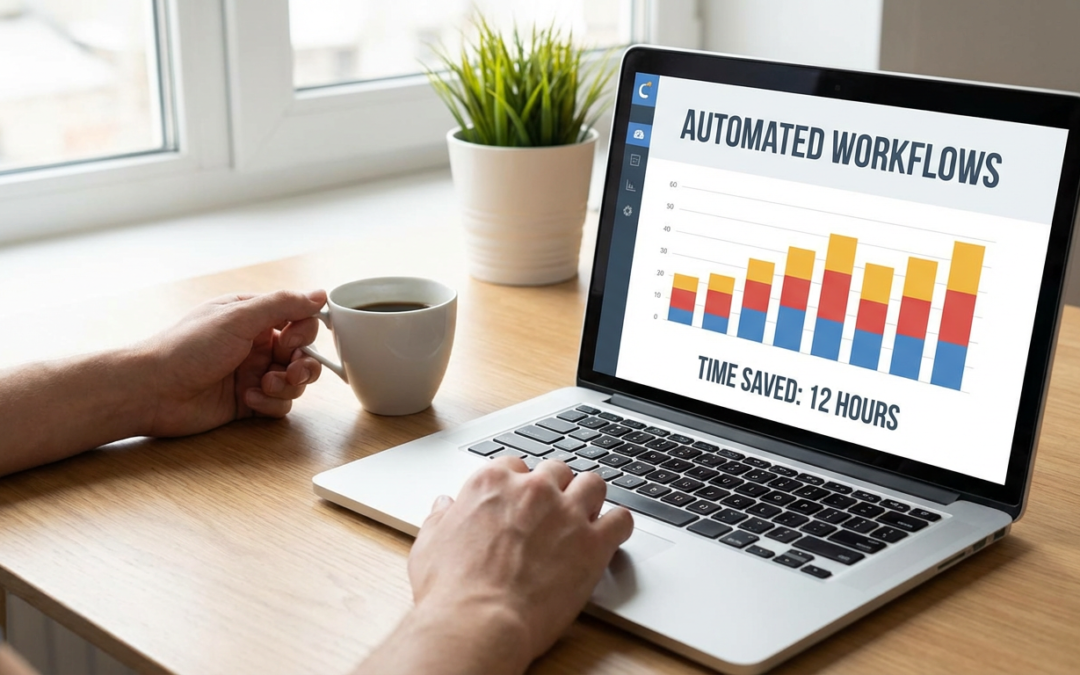
20 Practical Steps to Automate Tasks and Reclaim 10+ Hours Every Week
If you feel like your week disappears into a blur of repetitive tasks, you’re not alone. Most people spend hours each week on activities that could run themselves with a little setup. This list gives you concrete, actionable steps to automate the busywork that drains your time. Each item includes clear guidance on what to automate and how to start today. Whether you run a business, manage a household, or just want more free time, these practical tips will help you take back your schedule.
- Hire Freelancers Through Legiit for Recurring Tasks

Stop spending hours each week on tasks that someone else can handle better and faster. Legiit connects you with vetted freelancers who specialize in everything from content writing to social media management. Set up a recurring service agreement so the work happens automatically without you micromanaging every detail. This hands-on approach means you brief the freelancer once, approve their process, and then let them handle it week after week. You’ll save hours while getting professional results.
- Set Up Email Filters and Auto-Replies Right Now
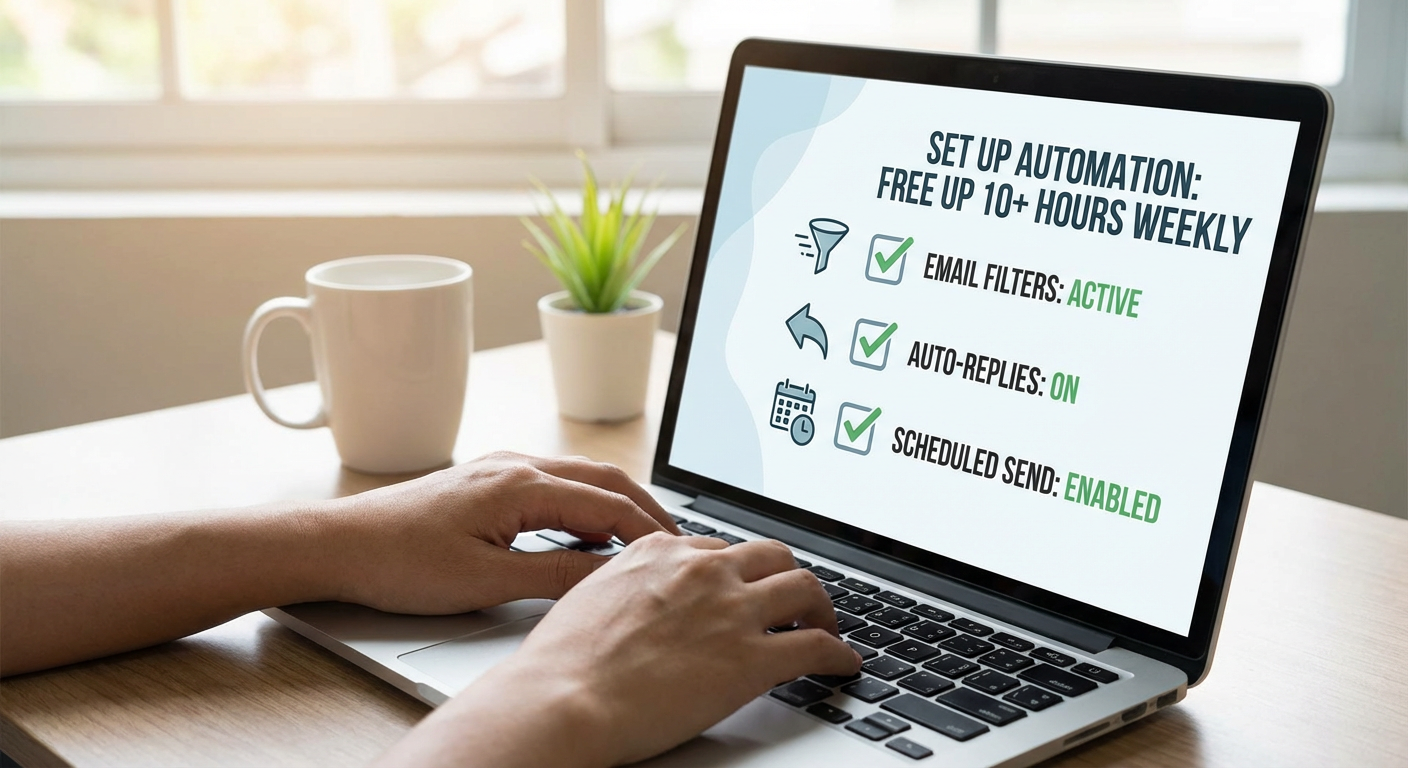
Open your email client and create filters that sort incoming messages into folders based on sender or subject line. This takes about 15 minutes to set up and saves you from manually organizing your inbox every day. Add auto-replies for common questions or requests so people get instant responses without you lifting a finger. Most email platforms like Gmail and Outlook have built-in tools that make this simple. Once configured, your inbox stays organized and people get answers faster.
- Automate Your Bill Payments Through Your Bank
Log into your online banking and set up automatic payments for every recurring bill you have. Utilities, subscriptions, insurance, and loan payments can all run on autopilot. This eliminates the mental load of remembering due dates and the time spent logging into multiple accounts each month. Most banks offer this for free and let you choose the payment date. You’ll avoid late fees and free up at least an hour each month.
- Create Canned Responses for Frequent Messages
Identify the five questions or messages you answer most often, then write template responses for each one. Save these as shortcuts in your email client, text replacement tool, or customer service platform. When someone asks that question again, you can insert the full response with a few keystrokes. Customize it slightly if needed, but the bulk of your answer is already written. This simple step can save you 30 minutes to an hour every day if you handle a lot of communication.
- Schedule Social Media Posts in Batches
Pick one tool like Buffer, Later, or Hootsuite and spend two hours once a week creating and scheduling all your social media content. This beats logging in multiple times a day to post manually. Write your captions, upload your images, and set the times you want everything to go live. The tool handles the rest while you focus on other work. You’ll reclaim at least five hours a week and maintain a consistent online presence.
- Use a Meal Planning App with Shopping Lists
Download a meal planning app that generates shopping lists based on your weekly menu. Apps like Mealime or Paprika let you choose recipes, automatically create ingredient lists, and even send those lists to grocery delivery services. Spend 20 minutes on Sunday planning your meals, and you’ll eliminate the daily stress of figuring out what to cook. This saves time on meal decisions, grocery shopping, and reduces food waste because you buy only what you need.
- Set Up Automatic Savings Transfers
Tell your bank to move a set amount from your checking account to savings every payday. You can usually do this through your online banking portal in under five minutes. This removes the need to manually transfer money and think about saving each month. The money moves before you can spend it, and you’ll build savings without effort. It’s a small automation that compounds into significant financial progress over time.
- Automate Your Expense Tracking with Receipt Apps
Install an app like Expensify or Shoeboxed that scans receipts and categorizes expenses automatically. Take a photo of each receipt right after you make a purchase, and the app extracts the details and files it for you. This beats keeping paper receipts or manually entering expenses into a spreadsheet. At tax time or when you need to review spending, everything is already organized. You’ll save hours during financial reviews and never lose another important receipt.
- Create an Automated Meeting Booking System
Use a scheduling tool like Calendly or Acuity that lets people book time with you based on your availability. Connect it to your calendar so it only shows open slots and automatically blocks off time when someone books. Include a confirmation email and reminders so you don’t need to send those manually. This eliminates the back-and-forth emails trying to find a time that works. You’ll save at least two hours a week if you schedule meetings regularly.
- Automate Data Backups for All Your Devices
Set up automatic cloud backups on your computer, phone, and tablet today. Services like Backblaze, Google Drive, or iCloud can run backups in the background without you remembering to do it. Configure it once, and your files stay protected without manual effort. This saves you from the panic of lost data and the hours you’d spend trying to recover files. It’s also much faster than manually copying files to an external drive each week.
- Use Text Expansion for Phrases You Type Constantly
Install a text expansion tool like TextExpander or use the built-in shortcuts on your phone and computer. Create short codes that expand into full phrases, email addresses, or paragraphs you type often. For example, typing “myem” could auto-fill your complete email address. This works for signatures, addresses, common sentences, and more. If you type the same things dozens of times a week, this saves you hours over time and reduces typos.
- Set Up Automatic Invoice Generation and Reminders
If you bill clients or customers, use accounting software like QuickBooks or FreshBooks to generate invoices automatically on a schedule. Set up payment reminders that go out automatically when invoices are overdue. This removes the manual work of creating invoices each billing cycle and following up with late payers. You get paid faster, and you reclaim several hours each month that you’d otherwise spend on administrative work.
- Automate Your Home Temperature with a Smart Thermostat
Install a programmable thermostat that adjusts your home temperature based on your schedule. Set it to lower the heat or AC when you’re at work and warm up or cool down before you return. This happens automatically without you touching the controls daily. You’ll save time, reduce energy bills, and come home to a comfortable house. Most models take less than an hour to install and configure, and they pay for themselves in savings.
- Create Email Sequences for Client Onboarding
Write a series of welcome emails that new clients or customers receive automatically when they sign up. Include information they need, steps they should take, and answers to common questions. Set this up in your email marketing tool or CRM so it sends without you doing anything. This ensures every new person gets the same high-quality experience while freeing you from sending the same information manually each time. You’ll save hours every week if you onboard people regularly.
- Use Shopping Subscriptions for Household Basics
Sign up for automatic delivery of items you buy regularly like toilet paper, coffee, pet food, or cleaning supplies. Amazon Subscribe & Save, Grove Collaborative, and similar services ship these items on a schedule you set. This eliminates trips to the store for basics and the mental energy of remembering what you’re running low on. Adjust quantities and frequency as needed, but let the system handle the routine ordering. You’ll save an hour or more each week on shopping tasks.
- Automate Report Generation from Your Analytics Tools
Set up scheduled reports in Google Analytics, your email platform, or any business tool you use. Most platforms let you automatically generate and email reports daily, weekly, or monthly. Instead of logging in to pull data manually, the report arrives in your inbox ready to review. This works for website traffic, sales numbers, email performance, and more. You’ll cut down on data gathering time and make faster decisions with regular updates.
- Set Up Automatic Appointment Reminders
If you run a service business or manage appointments, configure your scheduling system to send automatic reminders by email or text. Send one a day or two before the appointment and another a few hours ahead. This reduces no-shows and eliminates the need for you or your staff to call or email everyone manually. Most booking platforms include this feature. You’ll save time and improve attendance rates with zero ongoing effort.
- Automate Your Password Management and Form Filling
Install a password manager like 1Password or Bitwarden that stores all your login credentials and fills them in automatically. It also generates strong passwords so you don’t reuse weak ones. Many password managers also fill in address and payment forms with one click. This saves you from typing the same information repeatedly and makes your accounts more secure. You’ll reclaim time every single day and reduce frustration from forgotten passwords.
- Create Automated Follow-Up Sequences After Purchases
Set up a series of automated emails that go out after someone buys from you. Include order confirmations, shipping updates, usage tips, and requests for reviews. This keeps customers informed and engaged without you sending each message manually. Use your email platform or e-commerce system to create these sequences once, then let them run for every order. You’ll provide better customer service while freeing up hours each week if you process regular sales.
- Automate File Organization with Rules and Scripts
Set up rules on your computer that automatically sort downloaded files into specific folders based on file type or name. On Mac, use Automator or Hazel. On Windows, use File Juggler or PowerShell scripts. For example, all PDFs go to a Documents folder and all images go to Photos. This keeps your desktop and downloads folder clean without manual sorting. Spend an hour setting this up once, and you’ll save time every week keeping your files organized.
Automation isn’t about replacing yourself. It’s about eliminating the repetitive tasks that drain your energy and steal your time. Each item on this list gives you a clear starting point and practical steps you can take today. Pick three that will have the biggest impact on your schedule and set them up this week. Once you see how much time you get back, you’ll want to automate even more. Your future self will thank you for every hour you reclaim.
Recent Comments