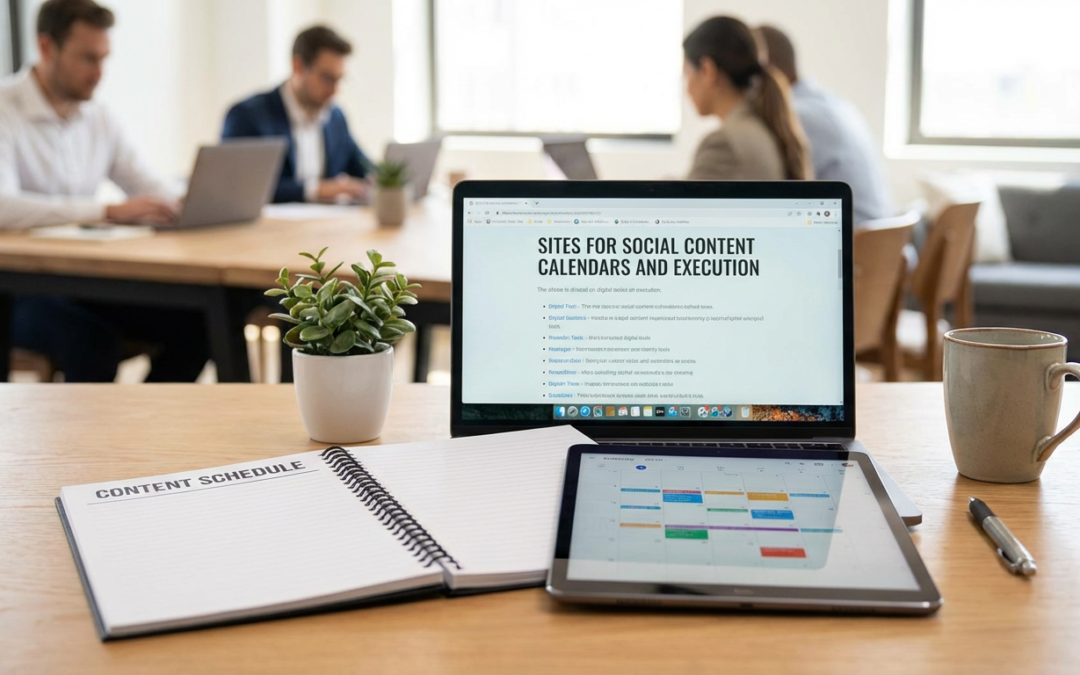
15 Practical Ways to Use Sites for Social Content Calendars and Execution
Managing social media content can feel overwhelming, especially when you’re juggling multiple platforms, deadlines, and creative ideas. The good news is that the right tools can turn chaos into a manageable system. This list walks you through fifteen practical approaches to using different sites and platforms for planning, creating, and executing your social content strategy. Whether you’re a solo entrepreneur, a small business owner, or part of a marketing team, you’ll find actionable tips to streamline your workflow and keep your content consistent.
- Start with Legiit for Custom Content Creation Support
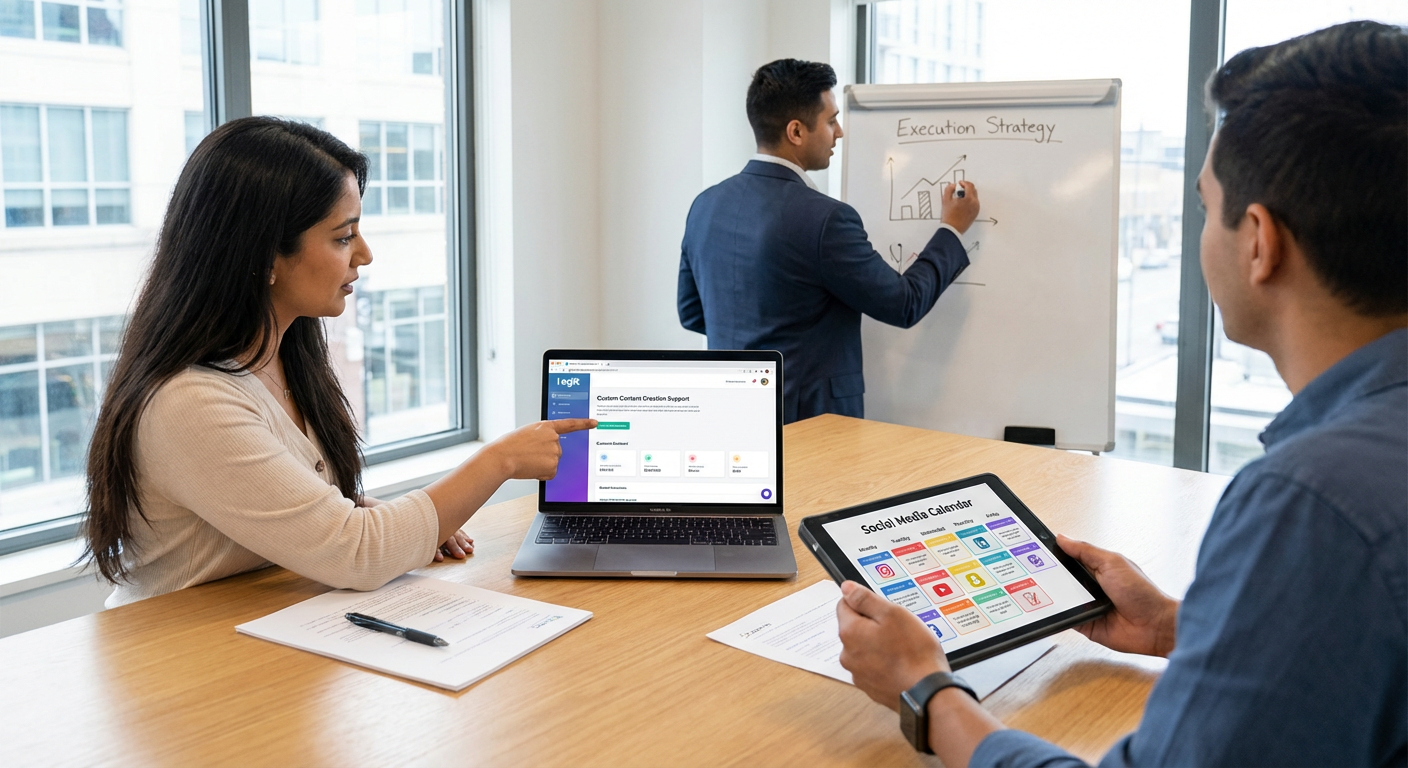
Before you even open a calendar tool, consider where your content will actually come from. Legiit connects you with freelance professionals who can create graphics, write captions, produce videos, and handle other content tasks that fill your calendar. The practical advantage here is that you can build a reliable team of creators who understand your brand voice and visual style.
Instead of scrambling to create everything yourself, use Legiit to delegate specific content types. For example, hire a graphic designer for your weekly quote graphics or a copywriter for your monthly blog promotion posts. This frees up your time to focus on strategy and engagement while ensuring your calendar stays full of quality content.
- Use Trello for Visual Content Mapping
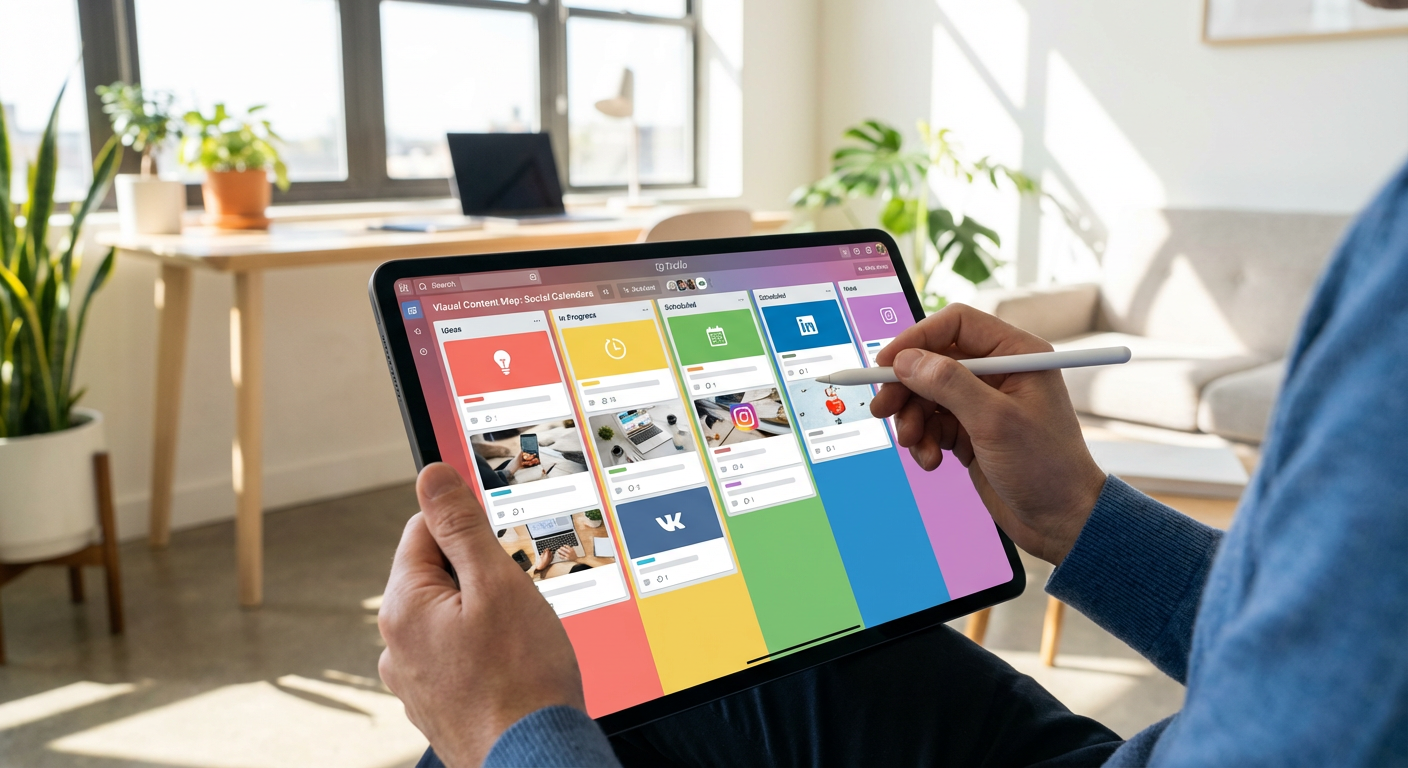
Trello works beautifully as a content calendar because it lets you see your entire content pipeline at a glance. Create columns for different stages like Ideas, In Progress, Scheduled, and Published. Each card represents one piece of content, and you can add details like copy, image links, hashtags, and publish dates.
The practical tip here is to color-code your cards by platform or content type. Blue for Facebook, pink for Instagram, green for blog promotions. This visual system helps you spot gaps quickly. If you notice too much blue and not enough pink, you know you need more Instagram content in your queue.
- Set Up Google Sheets for Team Collaboration
Sometimes the simplest tools work best. Google Sheets gives you a free, flexible calendar that your whole team can access and edit in real time. Create columns for date, time, platform, content type, copy, image location, and status. Use conditional formatting to highlight posts that are overdue or need approval.
The hands-on advantage is that you can customize it exactly to your needs without learning new software. Add dropdown menus for platforms and content types to keep entries consistent. Use comments to communicate with team members directly on specific posts. Share the link with everyone who needs access, and you’re done.
- Automate Posting with Buffer’s Queue System
Buffer lets you load up your content and forget about it. The queue feature automatically spaces out your posts according to a schedule you set once. Decide you want to post at 9am, 1pm, and 5pm every weekday, and Buffer will distribute your queued content accordingly.
The practical application is simple. Spend one day creating and scheduling a week or month of content, then let the system handle distribution. This works especially well for evergreen content that doesn’t need to go out on specific dates. You can always jump in to add timely posts as needed.
- Organize Campaigns in Airtable with Linked Records
Airtable combines the simplicity of a spreadsheet with database power. The killer feature for content planning is linked records. Create one table for your content calendar and another for campaigns or themes. Link each post to its campaign, and suddenly you can see all content related to a product launch or seasonal promotion in one view.
Set up different views for different needs. A calendar view shows everything by date. A gallery view displays your visual content as thumbnails. A filtered view shows only Instagram posts or only content awaiting approval. This flexibility helps you manage complex content strategies without losing track of details.
- Plan Instagram Stories Separately in Notion
Stories need different planning than feed posts because they’re temporary and more casual. Create a Notion database specifically for Stories content. Include fields for the story concept, any text overlays, stickers or interactive elements, and which feed post it might support.
The practical benefit is that you can plan story sequences that work together. Maybe you want a three-story sequence for a product announcement: first story teases it, second reveals it, third includes a swipe-up or poll. Planning these sequences in advance ensures you maintain narrative flow instead of posting random stories throughout the day.
- Track Performance Directly in Your Calendar with Hootsuite
Hootsuite combines scheduling with analytics, which means you can see how posts performed right alongside your calendar. After a post goes live, check its engagement metrics without switching tools. This immediate feedback helps you adjust your strategy quickly.
Use this feature to identify your best posting times and content types. If you notice that carousel posts on Wednesday mornings consistently outperform other content, you can adjust your calendar to include more of those. The key is reviewing performance weekly and making small tweaks based on what you learn.
- Batch Content Creation Days with CoSchedule
CoSchedule offers a marketing calendar that helps you plan content creation sessions alongside publishing dates. The practical approach is to schedule batch creation days where you produce multiple pieces of content at once, then space out the publishing dates.
For example, dedicate one afternoon to taking all your product photos for the month. Another day, write all your captions. Another day, schedule everything. This batching approach is more efficient than creating content piece by piece. CoSchedule helps you plan both the creation time and the publication time, so nothing falls through the cracks.
- Manage Client Approvals Through Planable
If you create content for clients or need manager approval, Planable streamlines that process. You can create posts, share them for feedback, and make revisions all in one place. Clients see exactly how posts will look on each platform before they go live.
The practical workflow is to schedule approval time into your calendar. Submit content for review by Friday for the following week’s posts. This buffer gives clients time to respond and you time to make changes without missing publish dates. Use Planable’s comment feature to discuss specific edits without endless email chains.
- Repurpose Content with a Spreadsheet Tracking System
Create a simple spreadsheet that lists all your long-form content like blog posts, videos, or podcasts. Add columns for social posts you can create from each piece. One blog post might generate a quote graphic, a tips carousel, a discussion question, and a link post.
This system ensures you squeeze maximum value from every piece of content you create. When planning your social calendar, refer to this spreadsheet to find content you can quickly adapt. This is especially helpful when you’re short on time or ideas. You already did the hard work creating the original content, so mining it for social posts is relatively easy.
- Use Later for Visual Planning and First Comment Scheduling
Later shows you a visual preview of how your Instagram feed will look with upcoming posts. Drag and drop posts to rearrange them until your grid looks cohesive. This visual planning prevents the jarring effect of posting a bright yellow image right after a moody dark one if that’s not your intention.
The first comment feature is particularly useful for keeping captions clean. Write your hashtags and additional links in a first comment that Later automatically posts right after your main post goes live. This keeps your caption focused on the message while still including all the necessary hashtags for reach.
- Build Recurring Content Series with Sprout Social
Sprout Social makes it easy to create templates for recurring content. If you post a motivational quote every Monday or a tip every Friday, save these as templates with preset copy structure, hashtags, and posting times.
The time-saving benefit is significant. Instead of creating each recurring post from scratch, you duplicate the template and swap in new content. This consistency also helps your audience know what to expect. They’ll start looking forward to your Friday tips or Monday motivation because you’ve established a reliable pattern.
- Coordinate Cross-Platform Campaigns in Asana
When you’re running a campaign across multiple platforms, Asana helps you track all the moving pieces. Create a project for each major campaign with tasks for every deliverable: Instagram post, Facebook event, blog article, email newsletter, Pinterest pins.
Assign due dates and owners to each task. Add subtasks for things like image creation, copywriting, and approval. This level of detail ensures nothing gets forgotten. You can see the entire campaign timeline in one place and identify bottlenecks before they cause problems. The calendar view shows you when everything needs to happen.
- Create Content Themes in a Monthly Planning Document
Before you touch any scheduling tool, spend an hour at the start of each month creating a simple planning document. List the month’s holidays, product launches, sales, or events. Decide on weekly themes or topics that support your goals.
This upfront planning makes daily content creation much easier. When you sit down to schedule posts, you already know what topics to cover. If week two is about customer testimonials and week three focuses on product education, you’re not starting from zero each time. Transfer these themes into whatever calendar tool you use, and fill in specific posts from there.
- Set Up Content Buckets for Balanced Posting
Decide on three to five content categories that align with your goals. For a fitness brand, this might be workout tips, nutrition advice, motivation, product features, and community spotlights. Aim to rotate through these buckets so your content stays varied.
The practical system is to assign each bucket a color or tag in your calendar tool. At a glance, you can see if you’ve been posting too much of one type and not enough of another. This prevents you from accidentally posting seven product promotions in a row, which would likely hurt engagement. Balanced content keeps your audience interested and serves multiple purposes in your overall strategy.
The right tools and systems can transform your social media management from a daily scramble into a smooth, predictable process. The key is choosing platforms that match your workflow and actually using them consistently. Start with one or two tools from this list, build your system around them, and add others as your needs grow. Remember that even the best calendar tool only works if you fill it with quality content and stay committed to your schedule. Take these practical tips, adapt them to your situation, and watch your social media presence become more organized and effective.
Recent Comments