

Enterprise-Ready Management Tools Every Freelancing Business Needs at Scale
Running a freelancing business that serves large clients or manages multiple team members requires a different toolkit than solo operations. When you’re handling corporate contracts, coordinating distributed teams, or managing sensitive client data, you need management tools built for scale, security, and compliance. This list focuses on platforms designed to support professional freelancing operations that have grown beyond basic needs. Whether you’re managing a team of contractors, juggling enterprise clients, or preparing your business for serious growth, these tools will help you operate with the reliability and professionalism that large organizations demand.
- Legiit for Scalable Service Management

When your freelancing business grows to serve larger clients or coordinate multiple service providers, you need a platform that can handle complexity without breaking down. Legiit offers a marketplace structure that lets you list services, manage client relationships, and coordinate with other freelancers all in one place. The platform includes built-in payment processing, dispute resolution, and client communication tools that become increasingly valuable as your operation scales.
What makes Legiit particularly useful for enterprise-focused freelancers is its ability to handle recurring services and complex project structures. You can build out service packages that appeal to corporate clients while maintaining clear workflows and documentation. The platform also provides a professional storefront that helps establish credibility with larger organizations that want to see a structured, reliable service offering before they commit to working with you.
- Monday.com for Multi-Client Project Orchestration
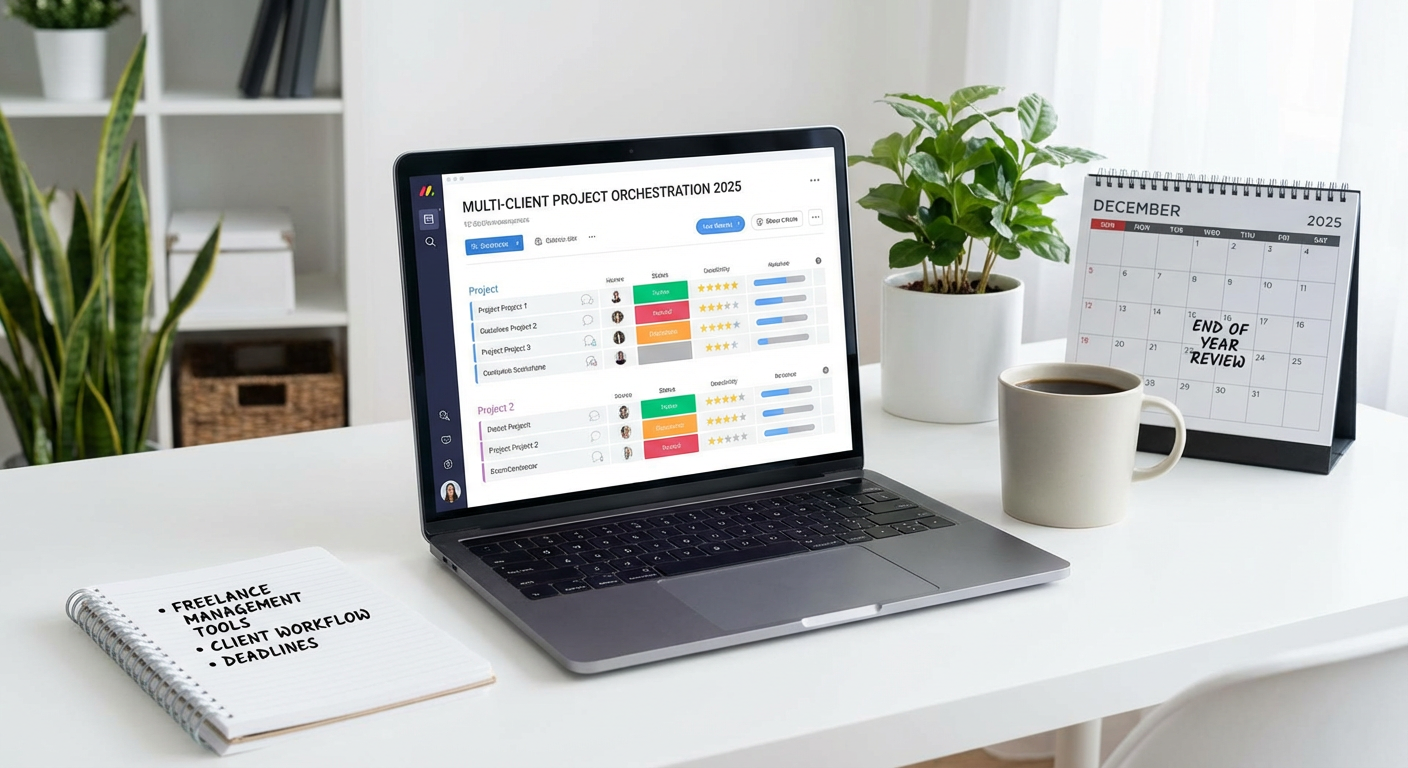
Managing projects for multiple enterprise clients simultaneously requires a system that can handle complex workflows without creating chaos. Monday.com provides the visual project management structure that lets you see everything happening across your business at once. You can create separate boards for each client, track dependencies, assign tasks to team members, and monitor deadlines with the kind of visibility that corporate clients expect.
The platform shines when you need to standardize processes across different projects while still allowing customization. You can build templates for common project types, automate status updates, and generate reports that show clients exactly where their projects stand. For freelancing businesses that work with legal, finance, or healthcare clients, Monday.com also offers security features and compliance options that meet enterprise requirements. The ability to integrate with hundreds of other business tools means you can connect your project management directly to your invoicing, time tracking, and communication systems.
- Notion for Centralized Knowledge Management
As your freelancing business grows, institutional knowledge becomes a critical asset that needs proper organization. Notion provides a workspace where you can document processes, store client information, maintain standard operating procedures, and create a central knowledge base that scales with your operation. Unlike simple note-taking apps, Notion lets you build relational databases, create custom workflows, and structure information in ways that make sense for complex operations.
For teams managing enterprise clients, having a single source of truth prevents the communication breakdowns that damage professional relationships. You can create client portals within Notion, maintain detailed project histories, and ensure that anyone on your team can quickly access the information they need. The platform supports granular permission controls, which matters when you’re handling sensitive client data or working with contractors who need limited access. You can also use Notion to create client-facing documentation, proposal templates, and onboarding materials that present a polished, professional image to corporate buyers.
- Salesforce Essentials for Enterprise Client Relationship Management
When your freelancing business starts landing corporate contracts, tracking client relationships in spreadsheets or basic tools becomes a liability. Salesforce Essentials provides CRM functionality designed for small teams that need enterprise-grade client management. You can track every interaction with potential and current clients, manage sales pipelines, and maintain the detailed records that corporate relationships require.
The platform helps you manage long sales cycles common with enterprise clients, where decisions involve multiple stakeholders and extended evaluation periods. You can log calls, schedule follow-ups, track proposal status, and maintain notes about client preferences and requirements. Salesforce also provides reporting tools that help you understand which client segments are most profitable and where to focus your business development efforts. For freelancers working with procurement departments or corporate buyers who expect professional account management, having a proper CRM signals that you operate at a serious level.
- Gusto for Compliant Team Payroll and Benefits
Once your freelancing business grows to include employees or regular contractors, managing payroll becomes a compliance minefield. Gusto handles payroll processing, tax withholding, benefits administration, and compliance reporting with the accuracy that keeps you out of trouble with government agencies. The platform automatically calculates and files payroll taxes, generates W-2s and 1099s, and maintains the documentation you need if you ever face an audit.
For freelancing businesses that want to attract quality team members, Gusto also manages health insurance, retirement plans, and other benefits that corporate workers expect. You can set up automatic payroll runs, track paid time off, and manage worker classification properly so you don’t accidentally misclassify employees as contractors. The platform integrates with accounting software like QuickBooks and Xero, which means your payroll data flows directly into your financial records without manual entry. When you’re bidding on large contracts that require proof of proper employment practices, having professional payroll systems in place demonstrates operational maturity.
- Slack Enterprise Grid for Secure Team Communication
Standard communication tools often lack the security and administrative controls that matter when handling sensitive client information. Slack Enterprise Grid provides the messaging and collaboration features you know, plus enterprise-level security, compliance certifications, and administrative tools that protect both your business and your clients. You can create separate workspaces for different clients, implement data loss prevention policies, and maintain audit logs of all communications.
The platform supports single sign-on, advanced identity management, and integration with enterprise security tools that corporate clients may require. You can set message retention policies, export data for compliance purposes, and control exactly who has access to what information. For freelancing businesses working with regulated industries or handling confidential information, these capabilities aren’t optional extras but necessary features. Slack Enterprise Grid also scales efficiently, so you can add team members, contractors, or client representatives to specific channels without worrying about security breaches or information leaks.
- Harvest for Professional Time Tracking and Invoicing
Corporate clients expect detailed time tracking and professional invoicing that clearly shows what they’re paying for. Harvest provides time tracking that integrates directly with project management, allowing you to monitor exactly how much time goes into each client project and task. The platform generates reports that show time allocation, project profitability, and team utilization, giving you the data you need to price services accurately and identify inefficiencies.
Harvest’s invoicing features create professional bills that corporate accounting departments can process without confusion. You can set up recurring invoices for retainer clients, accept multiple payment methods, and track invoice status so you know exactly which clients have paid. The platform integrates with accounting software, project management tools, and payment processors, creating a connected system that reduces manual data entry. For freelancing businesses that bill by the hour or need to justify project costs to corporate clients, having detailed time records and professional invoicing isn’t just convenient but essential for maintaining client relationships.
- DocuSign for Legally Binding Contract Management
Managing contracts with enterprise clients means handling master service agreements, statements of work, and other legal documents that require proper execution. DocuSign provides electronic signature capabilities that are legally binding, auditable, and accepted by corporate legal departments. You can send contracts for signature, track who has signed, set signing orders, and store executed documents with complete audit trails that show exactly what happened and when.
The platform supports complex approval workflows, where multiple stakeholders need to review or sign documents before they become effective. You can create templates for common contract types, customize signing experiences, and integrate contract management with your CRM or project management systems. For freelancing businesses working with regulated industries, DocuSign offers compliance certifications and security features that meet strict requirements. Having a professional contract management system also speeds up sales cycles, since you can execute agreements in hours instead of waiting for documents to be printed, signed, scanned, and returned.
- 1Password Business for Team Security Management
As your freelancing business grows, managing passwords and access credentials becomes a serious security concern. 1Password Business provides password management that lets you securely share access to client accounts, project tools, and business systems without exposing credentials. You can create shared vaults for teams, implement access controls, and immediately revoke access when contractors leave or projects end.
The platform also helps you meet security requirements that corporate clients increasingly demand before they’ll work with you. You can enforce strong password policies, require two-factor authentication, and maintain audit logs that show who accessed what and when. For freelancing businesses that manage social media accounts, advertising platforms, or other systems on behalf of clients, proper credential management prevents the security breaches that can destroy client relationships and create legal liability. 1Password integrates with single sign-on systems and supports the security frameworks that enterprise clients expect from their vendors.
- QuickBooks Online Advanced for Multi-Entity Accounting
Running a freelancing business at scale requires accounting software that can handle complexity beyond basic income and expenses. QuickBooks Online Advanced provides the financial management capabilities you need when dealing with multiple revenue streams, various client types, and complex tax situations. You can track profitability by client or project, manage accounts receivable professionally, and generate the financial reports that banks and investors want to see.
The platform supports multiple users with different permission levels, which matters when you have a bookkeeper, accountant, and team members who all need different levels of access to financial data. You can automate invoice reminders, reconcile bank transactions, and track expenses by category or project. For freelancing businesses that want to grow beyond solo operations, having proper financial systems in place makes it possible to secure business loans, attract investors, or eventually sell your business. QuickBooks also integrates with virtually every other business tool, so your financial data stays synchronized across your entire operation without manual reconciliation.
Building a freelancing business that can handle enterprise clients and scale beyond solo operations requires investing in professional management tools. The platforms covered here provide the security, compliance, and organizational capabilities that corporate clients expect and that your growing team needs to operate efficiently. While these tools represent a larger investment than basic freelancer software, they pay for themselves by enabling you to take on larger projects, serve more demanding clients, and build systems that don’t break down as you grow. Start by implementing the tools that address your most pressing needs, whether that’s project management, financial tracking, or team coordination. As your business continues to grow, having these systems in place will let you scale confidently without sacrificing the quality and professionalism that got you here.
Recent Comments