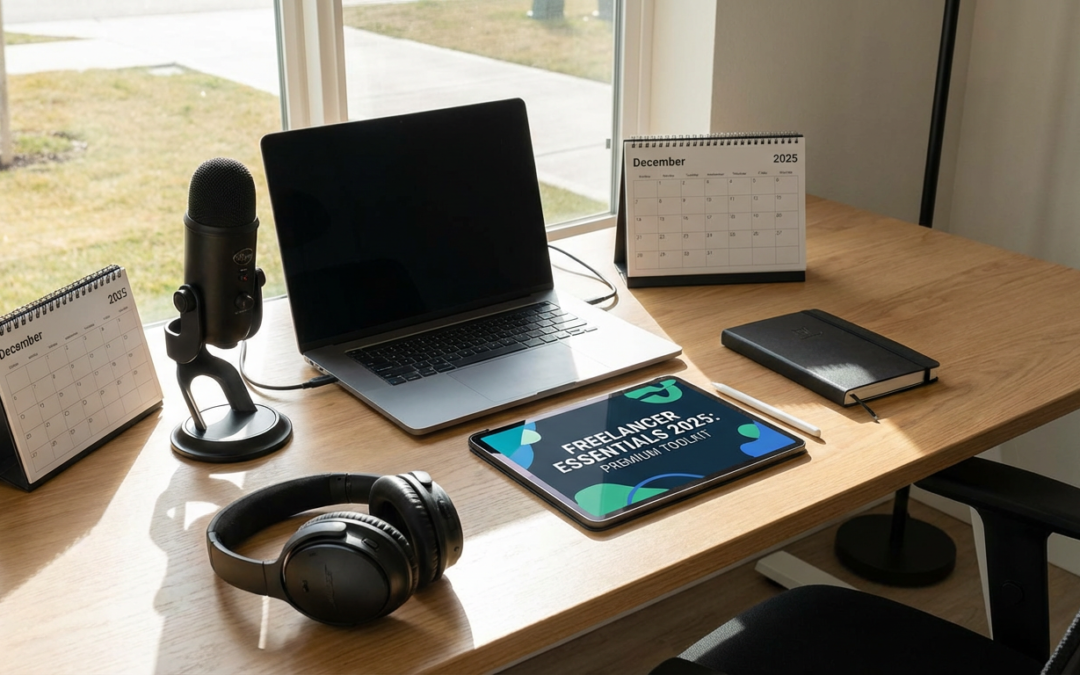
10 Beginner-Friendly Premium Tools Every New Freelancer Should Try
Starting a freelancing business can feel overwhelming, especially when you are bombarded with advice to buy dozens of tools you might not even need yet. The truth is, you do not need to master complicated software or spend thousands of dollars to run a successful freelance operation. What you need are tools that are easy to learn, do not require a technical degree to operate, and actually help you get work done faster. This list focuses on premium offerings that welcome beginners with open arms. Each tool here has been chosen because it offers real value without a steep learning curve, so you can start using them productively within hours, not weeks.
- Legiit: Your First Stop for Freelance Services and Support
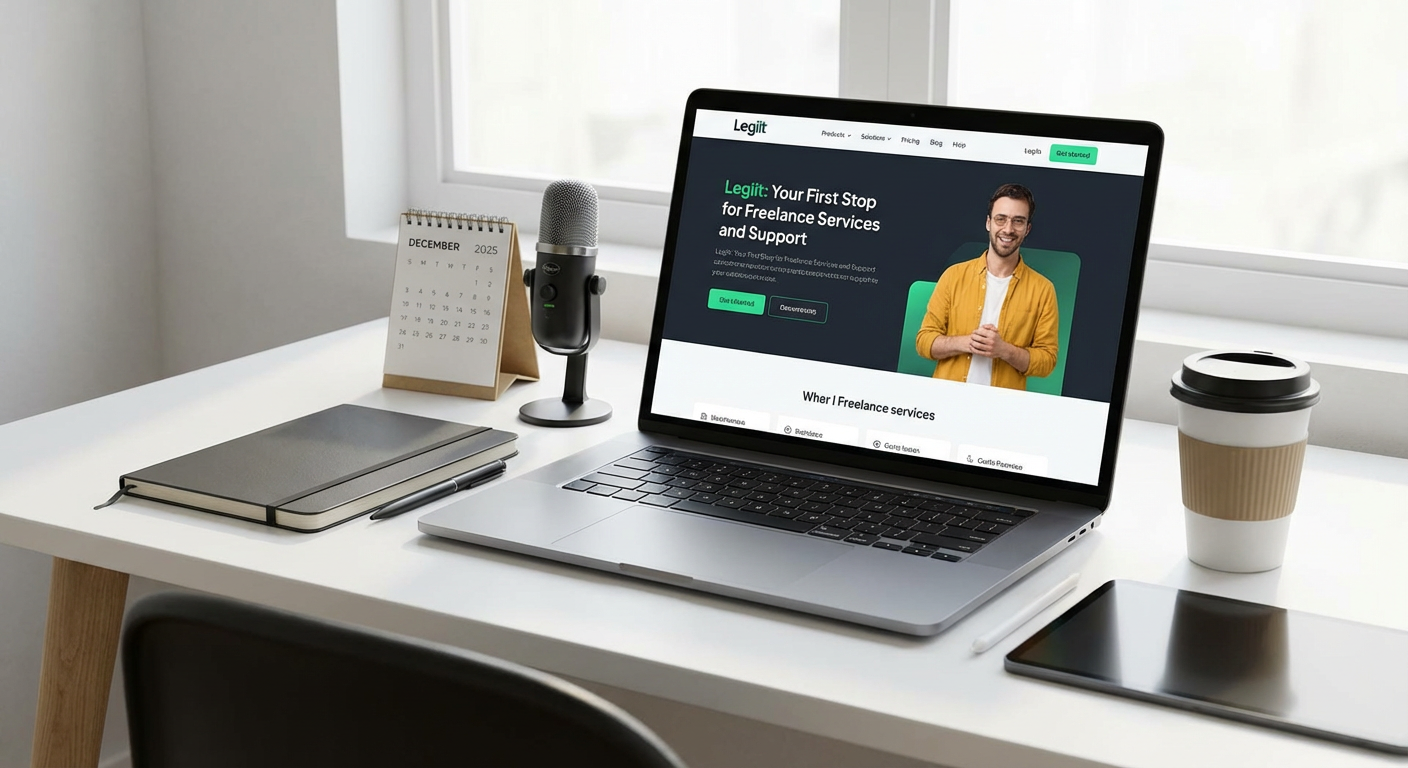
When you are just starting out, you need a platform that makes it easy to both find work and get help with tasks you cannot handle alone yet. Legiit is a marketplace built specifically for freelancers and small business owners, and it stands out because of how straightforward it is to use.
You can list your services without jumping through hoops, browse thousands of other freelancers if you need to outsource parts of a project, and connect with a community that actually understands the freelance lifestyle. The interface is clean and does not require you to watch a dozen tutorial videos just to figure out where things are. For beginners who want to start earning or find reliable help fast, Legiit removes much of the confusion that comes with larger, more crowded platforms.
- Canva Pro: Design Without the Designer Price Tag
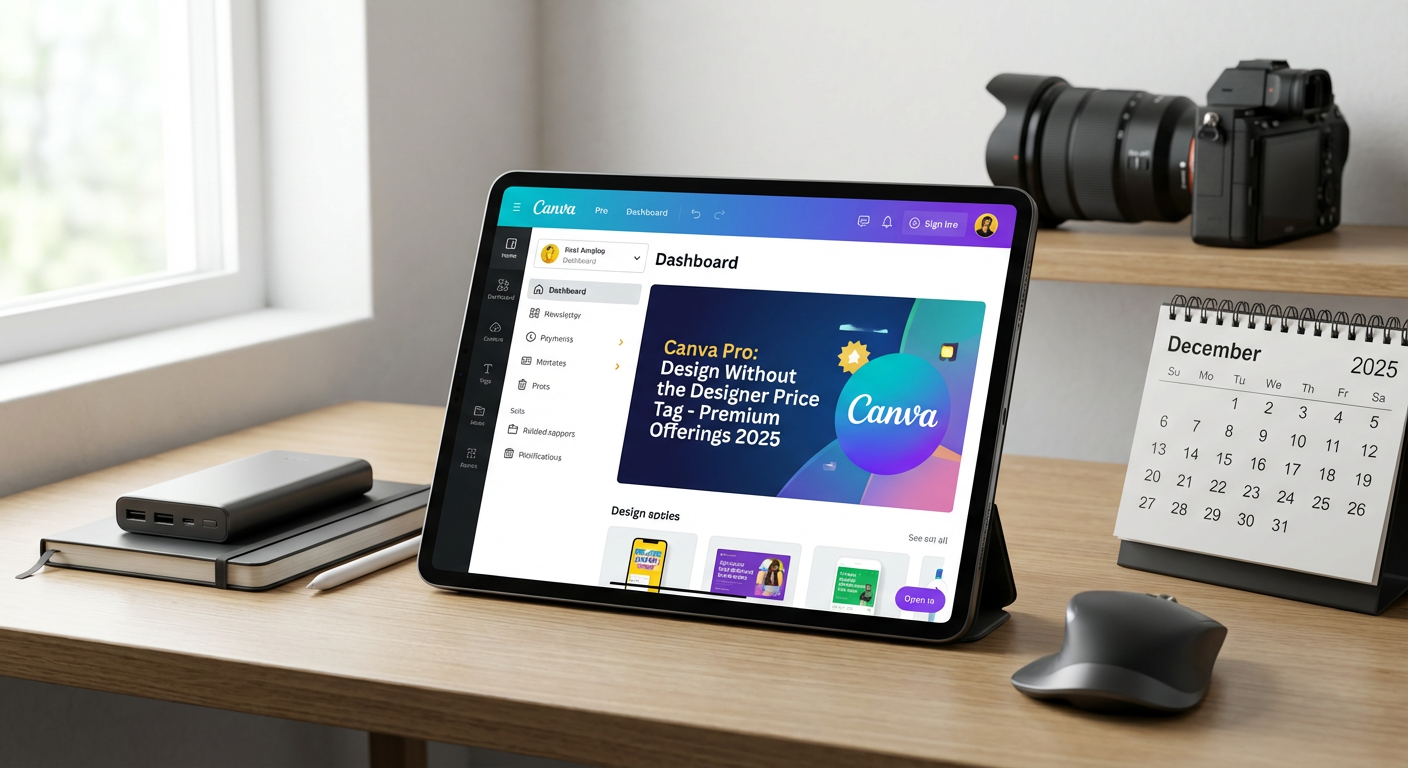
Most new freelancers are not graphic designers, but they still need to create proposals, social media graphics, logos, and presentations that look professional. Canva Pro solves this problem by offering thousands of templates you can customize with a simple drag-and-drop editor.
You do not need to know Photoshop or spend hours on YouTube learning design principles. Canva Pro gives you access to premium photos, fonts, and elements, plus features like background remover and brand kits that keep your work consistent. Within an hour of signing up, you can produce materials that look like you hired a pro. For freelancers who need to look polished on a budget and timeline, Canva Pro is a lifesaver.
- Grammarly Premium: Write With Confidence Every Time
Clear communication is the backbone of freelancing, whether you are writing emails to clients, drafting proposals, or creating content. Grammarly Premium goes beyond basic spellcheck to help you sound professional, clear, and persuasive.
It catches tone issues, suggests better word choices, and flags sentences that might confuse your reader. You do not need to be a grammar expert to use it. Just write naturally, and Grammarly will guide you toward clearer, stronger sentences. The premium version also checks for plagiarism, which is crucial if you are doing any kind of content work. For beginners who worry about making a bad impression with typos or awkward phrasing, Grammarly Premium offers peace of mind.
- Notion: Organize Everything in One Simple Space
Keeping track of clients, projects, deadlines, and ideas can quickly become chaotic when you are freelancing. Notion is a workspace tool that lets you build your own system without needing to understand databases or code.
You can start with one of their many templates for freelancers and adapt it as you go. Use it to manage your to-do lists, store client information, track invoices, and keep notes all in one place. The interface is clean and intuitive, and you can access it from your phone, tablet, or computer. Notion grows with you, so you will not outgrow it as your business expands. For beginners who want a single home for all their work stuff, Notion makes organization feel manageable.
- Loom: Explain Things Faster With Screen Recording
Sometimes typing out an explanation takes forever, and a quick video would be so much easier. Loom lets you record your screen and your face at the same time, then instantly share a link with your client or team.
This is perfect for giving feedback, walking a client through a deliverable, or explaining a complex idea without scheduling a meeting. Loom is incredibly simple to use. You click record, do your thing, and click stop. The link is ready to share immediately. The premium version gives you longer recording times, custom branding, and video editing tools. For beginners who want to communicate more clearly and save time on back-and-forth emails, Loom is a must-have.
- QuickBooks Self-Employed: Accounting Made Painless
Taxes and bookkeeping terrify many new freelancers, but ignoring them is not an option. QuickBooks Self-Employed is designed specifically for solo workers, and it automates most of the tedious stuff.
It tracks your income and expenses, categorizes transactions automatically, calculates estimated quarterly taxes, and generates reports you can hand straight to your accountant. You do not need to understand accounting lingo or spend hours sorting receipts. Just link your bank account and let the software do the heavy lifting. The premium plan includes tax filing support, which is a huge relief if you have never filed as a freelancer before. For beginners who want to stay legal and organized without hiring a bookkeeper, QuickBooks Self-Employed is worth every penny.
- Calendly: Let Clients Book You Without the Email Ping-Pong
Scheduling meetings with clients often turns into a frustrating game of email tag. Calendly solves this by letting clients see your availability and book time with you directly.
You set your available hours, connect your calendar, and share your Calendly link. Clients pick a time that works for them, and the meeting appears on both calendars automatically. The premium version lets you customize your booking page, set buffer times between meetings, and integrate with tools like Zoom and Google Meet. For beginners who want to look professional and save time on scheduling, Calendly is a no-brainer.
- Tailwind: Simplify Social Media Without Living on Your Phone
Building a presence on social media is important for freelancers, but posting consistently is exhausting. Tailwind is a scheduling tool designed specifically for Pinterest and Instagram, and it makes the whole process easier.
You can plan and schedule a month of posts in one sitting, and Tailwind will publish them at the best times for engagement. The interface is beginner-friendly, with tutorials and suggestions built right in. The premium version gives you access to analytics, hashtag suggestions, and design tools. For freelancers who know they should be on social media but do not have hours to spare every day, Tailwind takes the pressure off.
- Dropbox Business: Store and Share Files Without the Headaches
Freelancers deal with files constantly, and emailing attachments back and forth gets messy fast. Dropbox Business gives you a central place to store everything, with easy sharing and collaboration features.
You can send large files to clients without worrying about size limits, recover deleted files if you make a mistake, and control who has access to what. The interface is simple and familiar, so there is no learning curve. The premium business plan offers extra storage, advanced security, and priority support. For beginners who need a reliable way to manage files and work with clients, Dropbox Business is a solid choice.
- Acuity Scheduling: Automate Appointments Like a Pro
If your freelance work involves consultations, coaching calls, or client meetings, Acuity Scheduling can save you hours every week. It handles appointment bookings, sends reminders, and even collects payments upfront.
Clients can see your real-time availability and book themselves in without needing your approval. You can set up intake forms, offer different appointment types, and integrate with your favorite calendar and payment tools. The interface is straightforward, and setup takes less than an hour. For beginners who want to automate the boring parts of client management and focus on doing great work, Acuity Scheduling is a smart investment.
You do not need to be a tech wizard to run a successful freelance business. The tools on this list were chosen because they are approachable, practical, and built to help you get results quickly. Start with one or two that solve your biggest pain points right now, and add more as your business grows. The right tools should make your life easier, not more complicated. Focus on learning the basics of each one, and you will be amazed at how much more professional and efficient you feel in just a few weeks. Keep it simple, stay consistent, and let these tools handle the heavy lifting so you can focus on what you do best.
Recent Comments