
10 Budget-Friendly Tools Every Freelancer Needs, Organized by What They Actually Do
Running a freelance business doesn’t mean you need to drain your bank account on expensive software subscriptions. Whether you’re just starting out or looking to trim costs without sacrificing quality, the right tools can help you work smarter while keeping your expenses low. This list focuses on affordable and free options that deliver real value across the different areas of your freelance work. From finding clients to managing projects and getting paid, these tools prove you don’t need a corporate budget to run a professional operation.
- Legiit for Finding Clients and Services
Legiit is a marketplace built specifically for freelancers and small business owners who need affordable digital services or want to sell their own skills. Unlike platforms that charge hefty commission fees, Legiit keeps costs reasonable for both buyers and sellers, making it easier to find quality work without losing a huge chunk of your earnings to platform fees.
The marketplace covers everything from content writing and graphic design to SEO and video editing. If you’re on a tight budget and need to outsource parts of your workload, or if you’re looking for a place to offer your services without getting buried in a sea of low-ball bids, Legiit provides a middle ground. The platform also includes a community aspect where freelancers can network and learn from each other, adding extra value beyond just the transactional side of things.
- Wave for Accounting and Invoicing
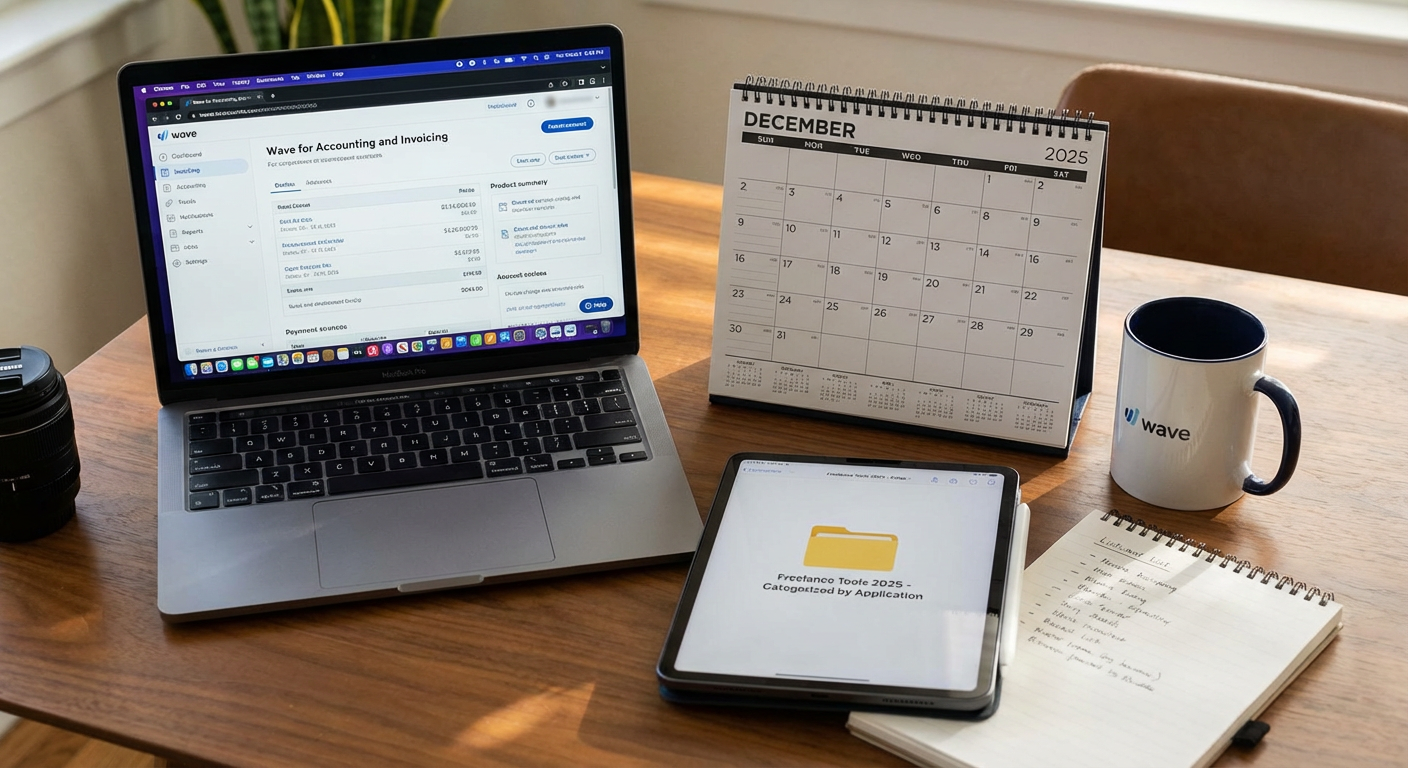
Wave offers completely free accounting software that includes invoicing, receipt scanning, and expense tracking. For freelancers who can’t justify paying monthly fees for QuickBooks or FreshBooks, Wave delivers most of the same core features without the price tag. The interface is clean and straightforward, so you don’t need an accounting degree to figure out how to send a professional invoice or track your business expenses.
The only costs come in if you want to use their payment processing services, but even those fees are competitive with other processors. You can create unlimited invoices, connect your bank accounts, and generate financial reports that make tax time much less painful. For solo freelancers and small operations, Wave handles everything you need without asking for a subscription.
- Trello for Project Management
Trello’s free plan is surprisingly generous for a project management tool. You get unlimited cards and up to 10 boards, which is more than enough for most freelancers managing multiple clients and projects. The visual board system makes it easy to see what’s in progress, what’s done, and what’s coming up next.
You can use Trello to organize client work, track your own tasks, or collaborate with other freelancers if you’re working on team projects. The drag-and-drop interface requires almost no learning curve, and you can add due dates, checklists, attachments, and comments to keep everything in one place. Power-ups let you integrate other tools, though some of those require the paid version. For basic project tracking, the free tier works perfectly well.
- Canva for Graphic Design
Canva’s free version gives freelancers access to thousands of templates, stock photos, and design elements without needing to pay for Adobe Creative Cloud. Whether you need social media graphics, presentation slides, or simple marketing materials, Canva makes it possible to create professional-looking designs even if you have zero formal design training.
The interface is intuitive, with a simple drag-and-drop editor that lets you customize templates or start from scratch. While the paid version offers more premium elements and features, the free plan provides more than enough resources for most freelance needs. You can create and download designs for client work, your own marketing, or project deliverables without spending a dime.
- Google Workspace Free Tier for File Storage and Collaboration
Google Drive, Docs, Sheets, and Slides come free with any Google account, giving you 15GB of storage and a full suite of productivity tools. For freelancers who need to share documents with clients, collaborate on projects, or just keep their files organized and accessible from anywhere, this free tier covers the basics without any monthly fees.
The real-time collaboration features make it easy to work with clients or other freelancers on the same document simultaneously. Everything saves automatically to the cloud, so you don’t have to worry about losing work if your computer crashes. If you need more storage or custom email addresses, the paid version is reasonably priced, but many freelancers operate just fine within the free limits.
- Calendly for Scheduling Client Meetings
Calendly’s free plan eliminates the back-and-forth email chains that come with trying to schedule client calls. You set your availability, share your link, and clients book time slots that work for both of you. The free version supports one calendar connection and one event type, which works fine if you mostly have one kind of meeting you’re scheduling.
The tool integrates with Google Calendar, Outlook, and other calendar systems to automatically check your availability and prevent double-bookings. You can set buffer times between meetings, add intake questions for clients to answer when they book, and send automatic reminders. For a solo freelancer who just needs a simple scheduling solution, the free tier handles the job without adding another subscription to your budget.
- Notion for Documentation and Knowledge Management
Notion offers a free personal plan that gives you unlimited pages and blocks, making it an excellent choice for freelancers who need to organize client information, project notes, standard operating procedures, or content calendars. The flexibility of Notion means you can build exactly the system you need without being locked into someone else’s idea of how your workspace should look.
You can create databases, wikis, task lists, and documents all in one place. Many freelancers use Notion as their central hub for everything from tracking pitches and proposals to storing templates and client onboarding materials. The learning curve is steeper than simpler tools, but once you get the hang of it, Notion can replace several other apps you might otherwise pay for separately.
- Loom for Client Communication and Tutorials
Loom’s free plan lets you record up to 25 videos with a maximum length of 5 minutes each, which is enough for most freelancers who want to add video communication to their workflow. Instead of typing out long explanations or trying to describe something complex over email, you can quickly record your screen and your face to walk clients through concepts, show progress, or provide feedback.
Clients appreciate the personal touch of seeing and hearing you, and video often clarifies things faster than written communication. You can share videos with a simple link, and Loom tracks whether recipients have watched your video. For tutorials, project updates, or quick check-ins, Loom adds a lot of value without requiring a paid plan for basic use.
- Grammarly Free for Writing and Editing
Grammarly’s free version catches spelling mistakes, basic grammar errors, and some punctuation issues, making it a helpful safety net for freelancers who do any kind of writing. While the premium version offers more advanced suggestions around tone, clarity, and style, the free tier provides enough value to improve the quality of your emails, proposals, and client communications.
The browser extension works across most websites, so you get writing help in Gmail, Google Docs, social media platforms, and other places you type. For freelance writers, the free version serves as a first-pass editor that catches obvious mistakes before you send work to clients. It won’t replace a human editor for important projects, but it helps you look more polished in everyday communications.
- Toggl Track for Time Tracking
Toggl Track offers a free plan for up to 5 users, which is perfect for solo freelancers or small teams. Time tracking helps you understand how long different tasks actually take, making it easier to estimate project timelines and figure out your real hourly rate. The interface is simple, with a one-click timer that lets you start tracking immediately.
You can organize time entries by project and client, add descriptions and tags, and generate basic reports to see where your hours are going. If you bill by the hour, accurate time tracking ensures you’re getting paid fairly for your work. Even if you charge flat rates, tracking time helps you identify which types of projects are worth your effort and which ones drain too much time for too little return.
Building a successful freelance business doesn’t require maxing out your credit card on premium software subscriptions. These budget-conscious tools prove you can manage clients, organize projects, handle finances, and deliver professional work without breaking the bank. Many of these options offer free tiers that cover everything a solo freelancer needs, with affordable upgrades available if you grow. Start with the free versions, see what works for your specific workflow, and only pay for premium features when they truly add value to your business. Smart tool choices mean more of your earnings stay in your pocket where they belong.
Recent Comments