

3 Fast Communication Tools That Save Freelancers Hours Every Week
As a freelancer, your time is money. Every minute spent wrestling with clunky communication platforms or chasing down client messages is a minute you’re not billing for actual work. The right communication tools don’t just help you stay in touch with clients and collaborators. They actively give you back precious hours by streamlining conversations, reducing back-and-forth exchanges, and keeping everything organized in one place. This list focuses on three practical communication tools that prioritize speed and efficiency, helping you respond faster, work smarter, and reclaim time for the projects that actually pay the bills.
- Legiit: The All-in-One Platform That Eliminates Communication Chaos
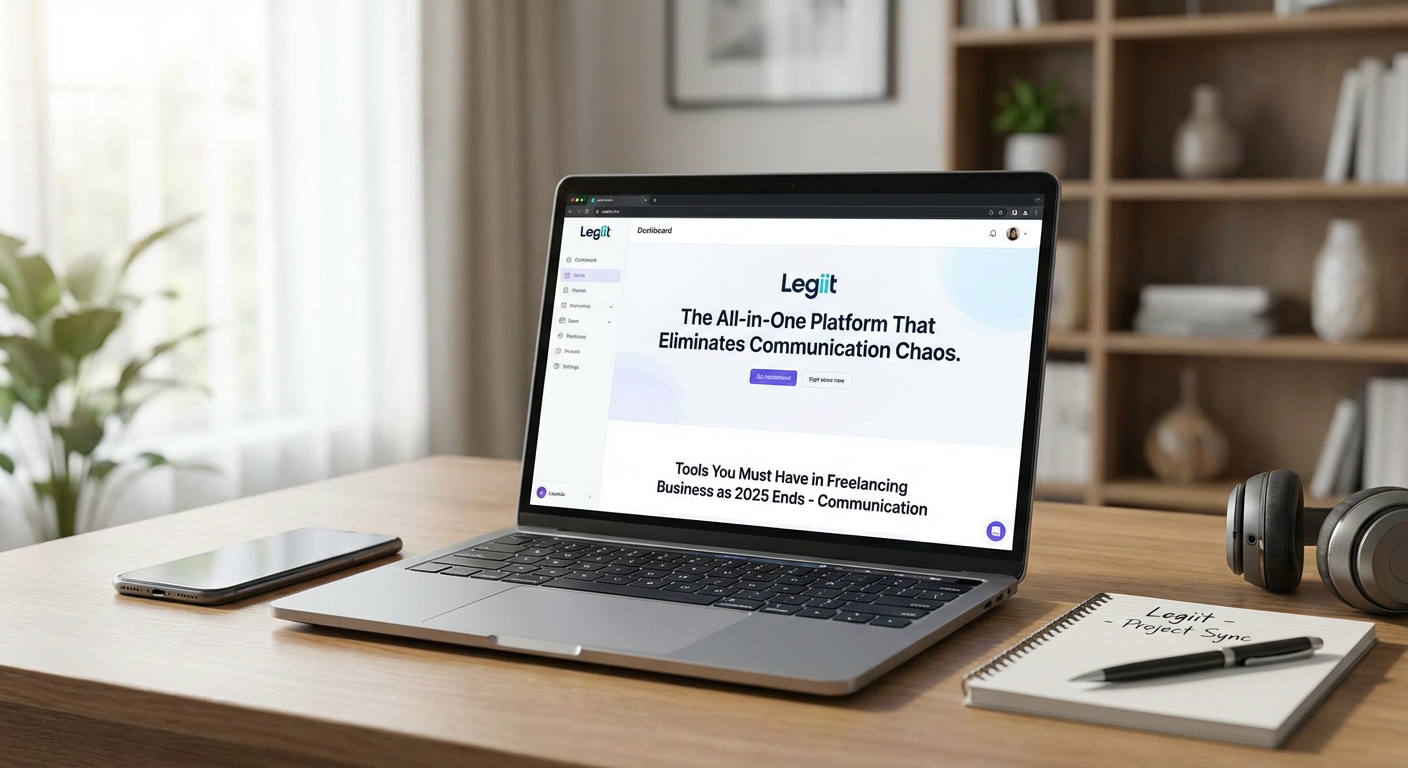
Freelancers waste an alarming amount of time switching between email threads, payment platforms, project management apps, and messaging tools just to handle a single client relationship. Legiit solves this problem by consolidating your entire freelance workflow into one platform where you can communicate with clients, manage projects, share files, and handle payments without ever leaving the interface.
The platform’s built-in messaging system keeps all client conversations attached to specific projects, so you never have to dig through your email inbox to find that one important detail a client mentioned three weeks ago. When a client sends you a message, you see it right next to the project files and milestones, giving you instant context without the mental overhead of piecing together scattered information.
What makes Legiit particularly valuable for time-conscious freelancers is how it reduces the administrative friction that normally eats up your day. Instead of sending separate invoices, following up on payments, and then switching to another tool to discuss project details, everything happens in one streamlined flow. Clients can approve deliverables, release payments, and provide feedback all within the same conversation thread.
The platform also handles the initial client connection process efficiently. Rather than spending time on lengthy email exchanges to establish scope, pricing, and terms, you can present clear service packages that clients can purchase directly. This structure cuts down on the negotiation phase and gets you to the actual work faster. For freelancers who value their time and want to spend less of it on administrative tasks and more on billable work, Legiit provides a genuinely faster way to run your freelance business.
- Loom: Replace Long Emails with Quick Video Messages
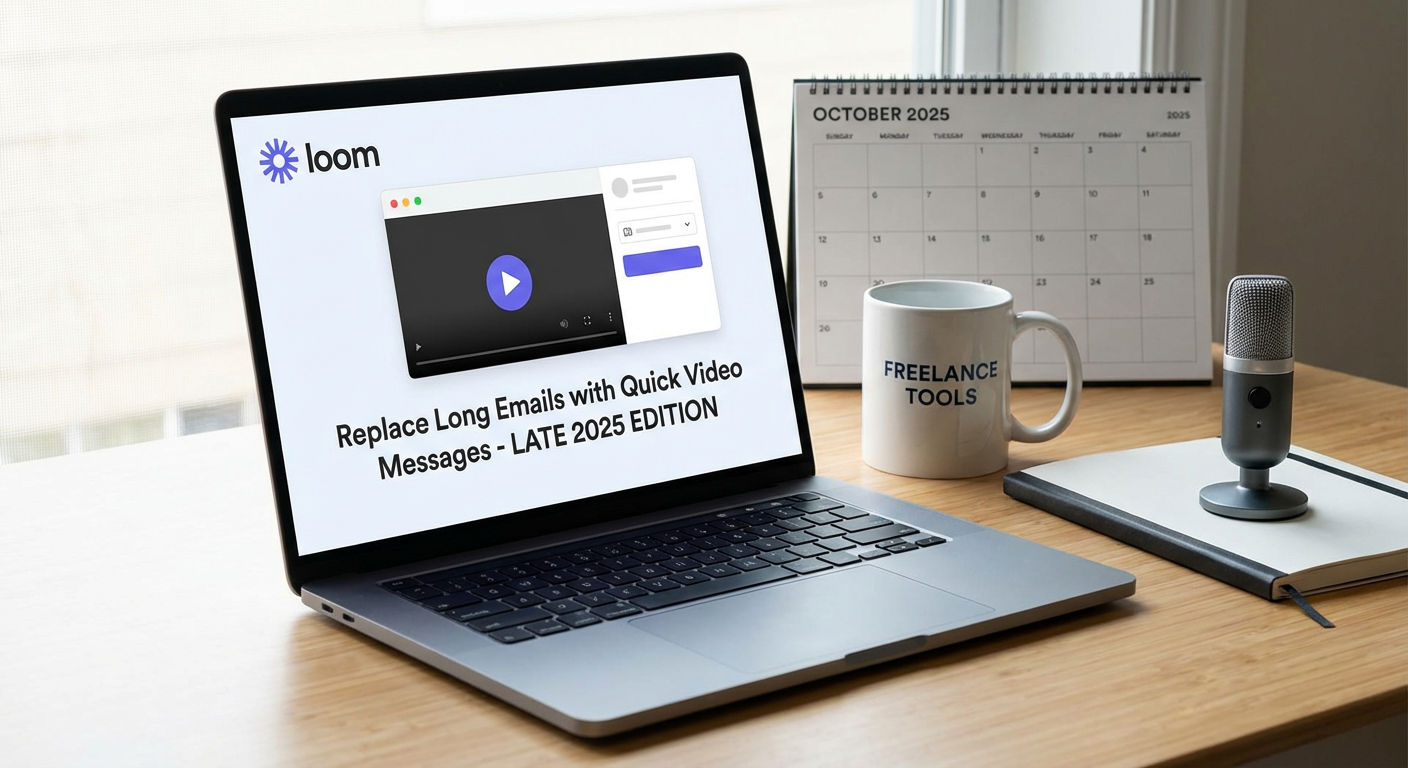
Some explanations take two minutes to say out loud but twenty minutes to type clearly in an email. Loom gives you the ability to record your screen and your face simultaneously, creating short video messages that convey complex information far faster than written communication ever could. This tool has become essential for freelancers who need to explain design choices, walk clients through revisions, demonstrate how to use a deliverable, or provide feedback on their work.
The time savings come from multiple directions. First, you simply talk through what you need to say rather than carefully crafting sentences and paragraphs. Most people can speak about four times faster than they can type, and video lets you show things visually instead of describing them in words. A five-minute Loom video often replaces what would have been a 30-minute writing session followed by several clarifying emails when the client didn’t quite understand your written explanation.
Second, Loom drastically reduces the number of follow-up questions clients ask. When they can see your screen and hear your voice explaining something step by step, they grasp the information more completely the first time. This means fewer rounds of back-and-forth communication and faster project progression. You record once, they watch once, and everyone moves forward.
The tool also respects both your time and your client’s time by being asynchronous. You don’t need to schedule a meeting, deal with calendar coordination, or sit through small talk. You record when it’s convenient for you, and the client watches when it’s convenient for them. Loom automatically generates a shareable link for each video, and recipients can watch at 1.5x or 2x speed if they want to consume the information even faster.
For freelancers who regularly need to explain things visually or verbally, whether you’re a designer showing mockups, a developer explaining code, a writer discussing content strategy, or a consultant presenting recommendations, Loom turns what used to be time-intensive communication tasks into quick, efficient video messages that get the job done in a fraction of the time.
- Slack: Organize Client Communication for Instant Access
Email inboxes become black holes where important client messages get buried under newsletters, spam, and unrelated correspondence. Slack provides a dedicated space for professional communication that’s designed for speed and organization, making it far easier to stay on top of client conversations without the overhead of traditional email.
The platform’s channel-based structure lets you create separate spaces for different clients or projects, keeping conversations neatly compartmentalized. When a client messages you, you know exactly which project they’re talking about because the message appears in that project’s channel. This eliminates the common time-waster of reading a client message and then spending several minutes figuring out which project they’re referring to and hunting down the relevant files or previous discussions.
Slack’s search functionality is remarkably fast and accurate, letting you find specific messages, files, or links in seconds rather than minutes. If a client mentions a particular detail in a conversation from two months ago, you can pull it up almost instantly by searching for a keyword. This speed matters when you’re trying to reference previous decisions or commitments without losing momentum in your current work.
The platform also supports quick voice or video calls directly within a conversation thread. When a text exchange starts getting complicated or when you realize a two-minute voice conversation would resolve something faster than ten messages, you can instantly start a call without switching apps or sending calendar invites. After the call ends, you can post a quick summary in the same thread so there’s a written record.
Notifications in Slack are highly customizable, which helps you maintain focus without missing urgent messages. You can set specific hours when you want to receive notifications, mute channels that aren’t time-sensitive, or set up keyword alerts so you only get pinged about truly important topics. This level of control prevents communication tools from becoming a constant distraction while still ensuring you respond quickly when it matters.
For freelancers managing multiple clients simultaneously, Slack provides the organizational structure and speed that email simply can’t match. Messages are easy to find, conversations stay contextually grouped, and you spend far less time managing your communication and more time doing the actual work.
Communication tools should work for you, not against you. The three options on this list prioritize speed and efficiency, helping you cut down on the administrative overhead that drains hours from your week. Whether you’re consolidating your entire workflow on a platform like Legiit, replacing lengthy emails with quick Loom videos, or organizing client conversations in Slack, the goal is the same: spend less time managing communication and more time doing the work you’re actually paid to do. Pick the tools that fit your workflow, set them up properly, and watch how much time you get back in your week.
Recent Comments