
12 Fast-Track Freelance Platforms That Handle Your Backend Business (So You Don’t Have To)
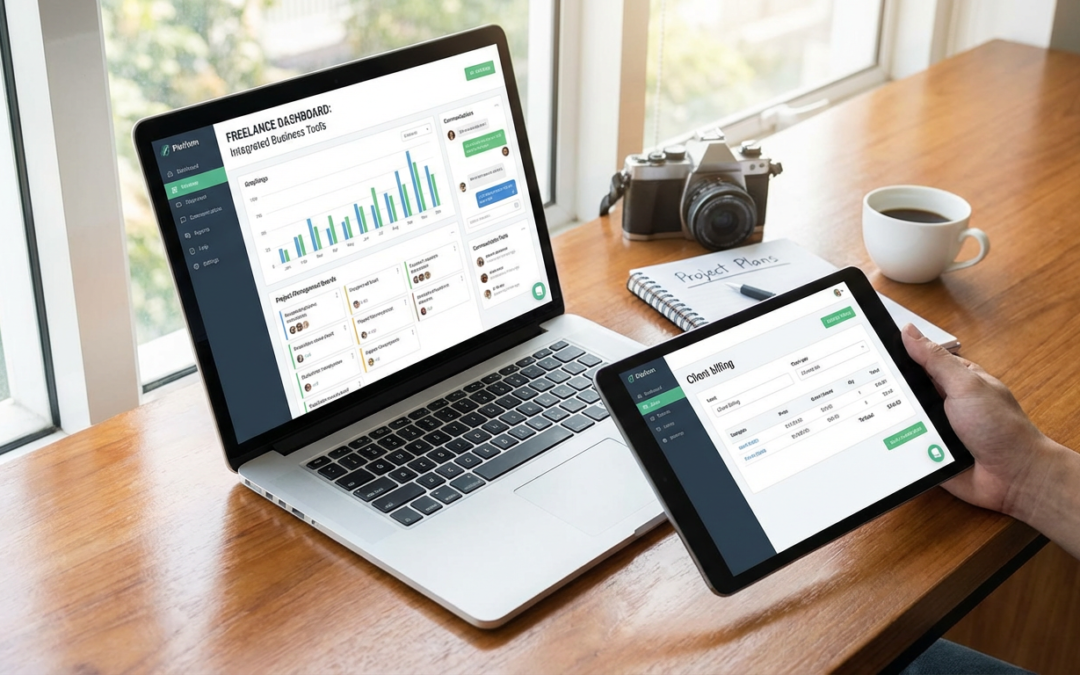
Most freelance sites give you a profile and leave you to figure out the rest. Invoicing, contracts, project management, client communication, and payment tracking all become separate tasks you need to juggle. If you’re looking to save hours every week, you need platforms that handle the business infrastructure automatically. These 12 sites come with built-in tools that let you focus on billable work instead of admin tasks. Whether you’re managing multiple clients or just want your workday to run smoother, these platforms cut out the manual labor and get you to results faster.
- Legiit

Legiit gives you everything you need to run a service business without leaving the platform. You get automated invoicing, contract templates, built-in messaging, and payment processing that handles disputes and refunds. The service marketplace structure means clients come to you with clear expectations, which cuts down on back-and-forth emails. You can create service packages with defined deliverables and turnaround times, so onboarding new clients takes minutes instead of hours. The platform also includes affiliate and referral tools, letting you build passive income streams while you focus on client work.
- Contra

Contra eliminates the need for third-party invoicing software by building payment processing directly into your workflow. When you complete a project, the platform handles invoicing, payment reminders, and fund transfers without you lifting a finger. The portfolio builder is fast and clean, letting you showcase work in minutes rather than spending days on a custom website. Commission-free payments mean you keep more of what you earn, and the integrated contract system protects both you and your clients without requiring legal review for every project.
- Honeybook
Honeybook automates the entire client lifecycle from inquiry to final payment. The platform sends automatic follow-ups to leads, generates proposals based on templates you set once, and processes payments on schedule. You can build reusable workflows for common project types, so repetitive tasks happen in the background. The scheduler integrates with your calendar and handles time zone conversions, which saves the usual email tennis of finding meeting times. For freelancers who book consultations or client calls regularly, this alone saves hours each week.
- Bonsai
Bonsai combines contracts, proposals, invoicing, time tracking, and tax preparation in one system. The time tracker runs in the background and automatically converts logged hours into invoices, eliminating manual data entry. Contract templates are legally vetted and customizable, so you can send professional agreements in minutes. The tax feature categorizes expenses and estimates quarterly payments, cutting your accounting prep time significantly. Everything syncs across tools, which means you enter client information once and it populates everywhere you need it.
- AND CO
AND CO focuses on reducing administrative friction for solo freelancers. The proposal system pulls from past projects to auto-fill common sections, letting you generate new proposals in under five minutes. Expense tracking connects to your bank account and categorizes purchases automatically, so you’re not sorting receipts at tax time. The dashboard gives you a single-screen view of upcoming deadlines, unpaid invoices, and pending proposals. This centralized approach means less time switching between apps and hunting for information.
- Wethos
Wethos helps you price projects accurately in seconds using industry data and built-in calculators. The scope-of-work builder walks you through defining deliverables, which prevents scope creep and reduces revision rounds. Contracts and invoices generate automatically once you finalize a project scope, streamlining what’s usually a multi-step process. The collaboration features let you bring in other freelancers and split payments automatically, which is helpful for projects that need multiple skill sets. This saves the overhead of coordinating separate agreements and payment splits manually.
- Hectic
Hectic automates project intake by letting clients book directly from your availability and fill out intake forms before the first call. This pre-qualifies leads and gives you context before meetings start, making consultations more productive. The proposal tool uses modular pricing blocks, so you can mix and match services without rewriting proposals from scratch. Payment plans and deposits are built in, reducing the need for manual payment tracking. For freelancers who spend too much time on scheduling and scoping, Hectic condenses that work into a few clicks.
- Moxie
Moxie combines CRM, project management, invoicing, and client portals in a single interface. Clients can approve proposals, review progress, and make payments without email threads or separate logins. The task management system auto-generates to-do lists based on project templates, so you’re not manually planning every step for repeat services. Automated payment reminders and late fees reduce the time you spend chasing unpaid invoices. The reporting dashboard tracks profitability per client and per project, helping you make faster decisions about where to focus your time.
- Indy
Indy offers contracts, invoices, proposals, time tracking, and a client portal with a focus on speed. The contract library includes templates for common freelance scenarios, so you can send a signed agreement in under two minutes. Time tracking integrates with task lists, automatically linking billable hours to specific deliverables. The proposal builder uses drag-and-drop pricing blocks, which makes it easy to adjust scope without reformatting documents. Email integration lets you manage client communication from the same platform where you handle billing and contracts, reducing the need to switch between tools.
- Dubsado
Dubsado excels at workflow automation for freelancers with repeatable processes. You can set up triggers that automatically send contracts after a client books a call, or invoice reminders three days before payment is due. The scheduler handles booking, reminders, and follow-ups without manual input. Canned email templates with dynamic fields personalize client communication at scale, so you’re not rewriting the same messages. For freelancers who onboard multiple clients per month, these automations can save ten or more hours of repetitive admin work.
- Plutio
Plutio packs proposals, contracts, invoicing, time tracking, project management, and a client portal into one dashboard. The project templates let you clone entire workflows, so setting up a new client takes seconds instead of rebuilding task lists and milestones. The time tracker can run across multiple projects simultaneously and auto-generates invoices based on logged hours. Built-in file sharing and approvals keep feedback loops inside the platform, cutting down on email clutter. The all-in-one approach reduces the cognitive load of managing multiple subscriptions and logins.
- 17hats
17hats automates lead capture, booking, contracts, invoicing, and follow-ups in a way that requires minimal setup. The lead pipeline automatically moves prospects through stages and sends templated emails at each step. The booking tool syncs with your calendar and sends reminders to both you and the client, reducing no-shows. Invoices can be set to recurring or milestone-based, and the system sends automatic payment reminders. The workflow automations handle tasks like sending thank-you emails or requesting testimonials, freeing you from manual follow-up.
Choosing a freelance platform with built-in business tools means less time on paperwork and more time on the work that pays. The right platform handles contracts, invoicing, payments, and client communication automatically, letting you move faster and stay organized without adding software subscriptions. Whether you need full workflow automation or just want invoicing and contracts in one place, these 12 platforms get you up and running quickly. Pick one that fits your workflow, set up your templates once, and let the system handle the repetitive tasks while you focus on delivering great work.
Recent Comments