
10 Future-Ready Tools Every Freelancer Needs to Stay Competitive
The freelancing world keeps moving faster, and the tools that worked a few years ago might not carry you much further. If you want to build a business that lasts, you need tools that adapt, scale, and help you stay relevant as client expectations shift and technology changes. This list focuses on platforms and systems designed to grow with you, protect your work, and keep you ahead of client demands. Whether you’re managing projects, securing your data, or finding better clients, these tools will help you build a freelancing business that stands the test of time.
- Legiit: A Marketplace Built for Long-Term Growth
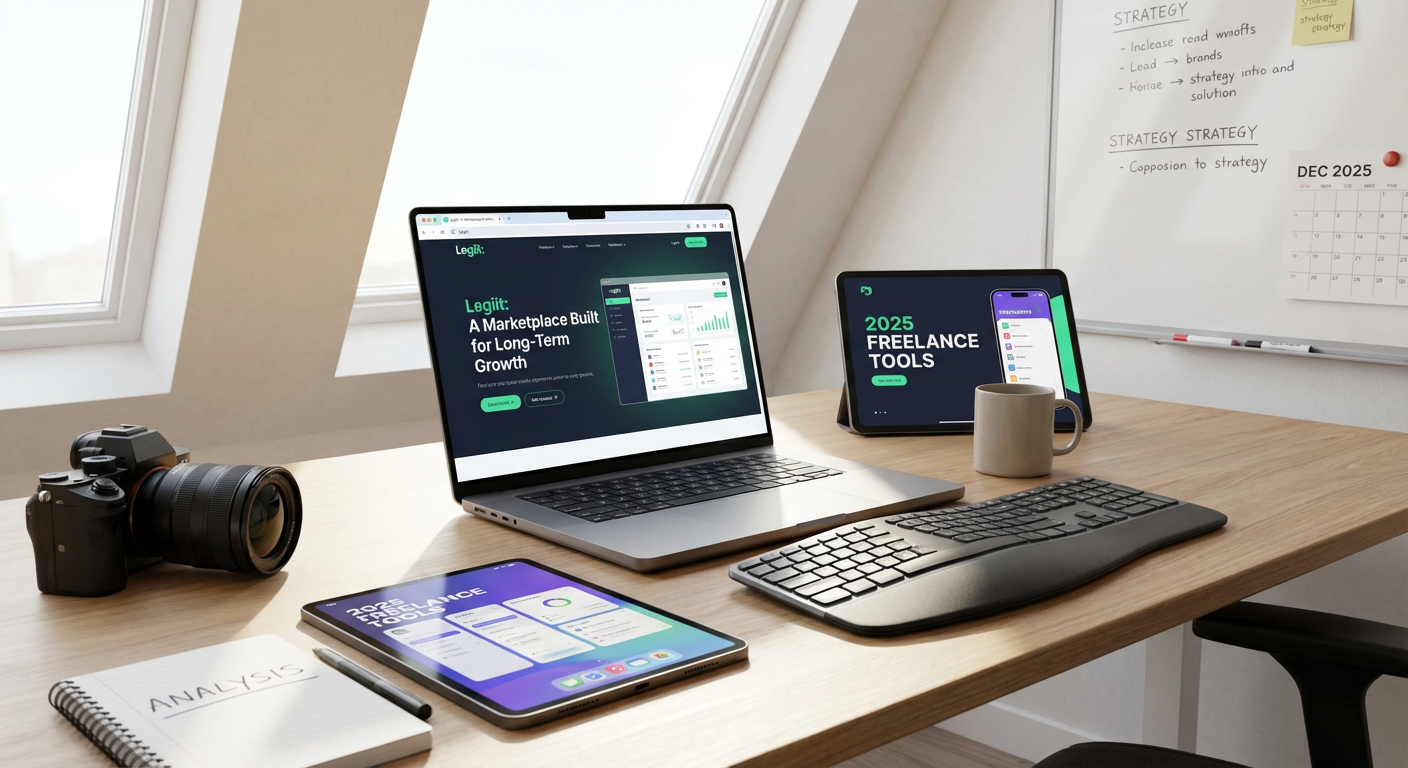
Finding quality clients consistently is one of the biggest challenges freelancers face, and Legiit solves this problem by connecting you with businesses that need serious services, not just quick gigs. Unlike platforms that race to the bottom on pricing, Legiit focuses on digital marketing, SEO, content creation, and other high-value services that command better rates. The platform also offers tools to build your reputation over time, including client reviews and a storefront that showcases your work.
As more companies look for reliable service providers they can work with repeatedly, having a presence on a marketplace that values quality over volume gives you a real advantage. Legiit also supports recurring services, which means you can build stable, long-term income streams instead of constantly hunting for the next one-off project. For freelancers planning to scale their business or build a personal brand, this platform provides the infrastructure to grow sustainably.
- Notion: An All-in-One Workspace That Scales
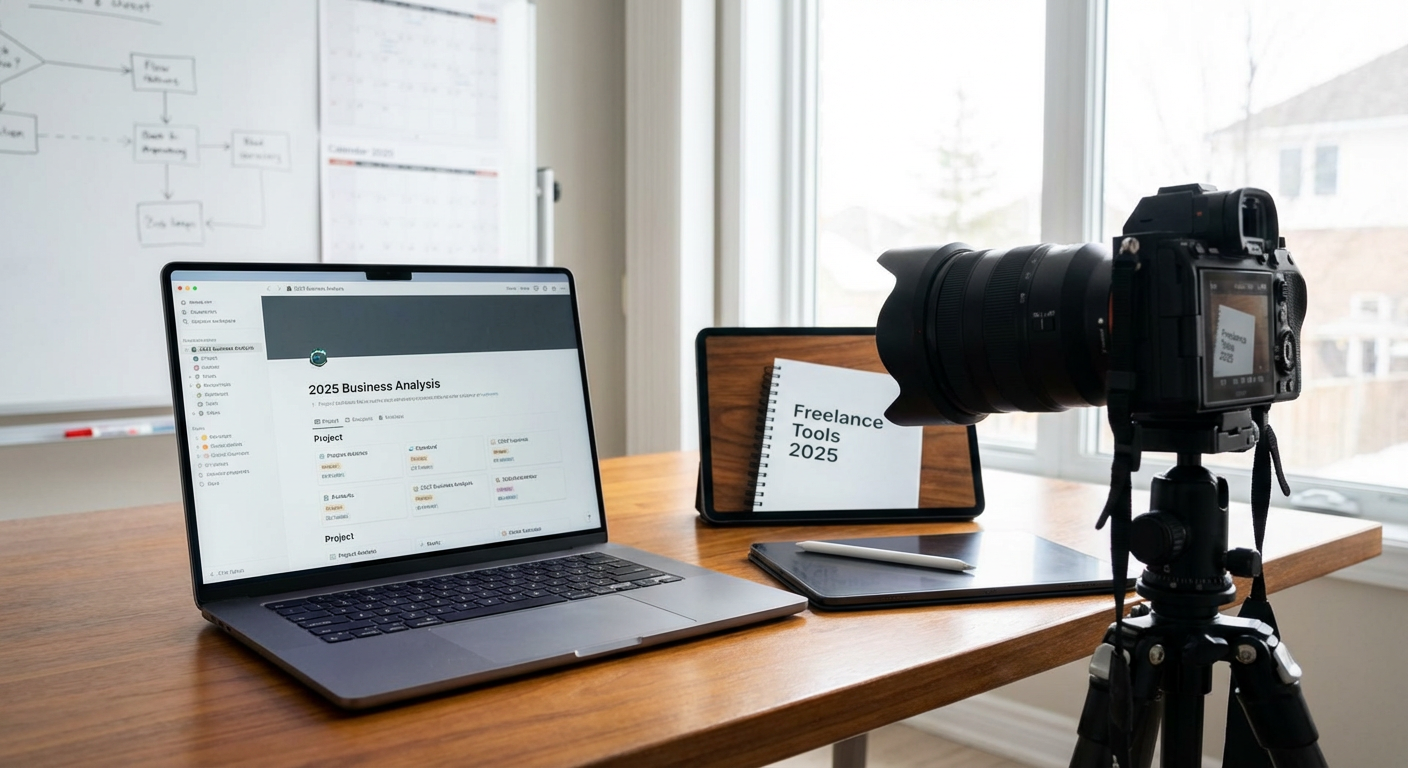
Notion has become the go-to tool for freelancers who want to centralize everything from client notes to project timelines in one flexible system. What makes it future-ready is its ability to adapt to your changing needs. You can start with simple to-do lists and eventually build complex databases, client portals, and content calendars without switching platforms.
The tool also supports collaboration, so as your business grows and you bring on contractors or partners, everyone can work from the same system. Notion’s template marketplace means you don’t have to start from scratch, and its mobile app keeps you productive even when you’re away from your desk. For freelancers who want a system that can handle both current projects and future expansion, Notion offers the flexibility to grow without outgrowing your tools.
- Loom: Async Communication for Modern Clients
Clients appreciate clear communication, and Loom lets you deliver it without scheduling endless meetings. This video messaging tool lets you record your screen, walk clients through work, explain complex ideas, and provide updates on your own time. As remote work becomes the norm and teams spread across time zones, async communication tools like Loom will only become more valuable.
Recorded videos also create a paper trail, which protects you if questions or misunderstandings come up later. You can send a Loom instead of writing a long email, and clients can watch it when convenient. The tool saves time, reduces miscommunication, and positions you as someone who values efficiency. As client expectations around responsiveness and clarity continue to rise, mastering async tools gives you a real edge.
- Grammarly: Professionalism That Never Slips
Your writing represents you in every email, proposal, and deliverable, and Grammarly makes sure you always sound polished. This tool goes beyond basic spell-check to catch tone issues, unclear phrasing, and stylistic inconsistencies. As AI writing tools become more common, clients will expect higher standards for clarity and professionalism, and Grammarly helps you meet those expectations.
The premium version offers tone adjustments and plagiarism detection, which can be critical if you produce content for clients. Grammarly works across browsers, email clients, and writing apps, so it catches mistakes no matter where you work. For freelancers who want to maintain a professional image and avoid embarrassing errors, this tool is a small investment that protects your reputation over time.
- Canva: Design Skills Without the Learning Curve
Not every freelancer is a designer, but almost every freelancer needs to create visuals at some point. Canva makes it easy to produce professional-looking graphics for social media, presentations, proposals, and marketing materials without spending years learning design software. The platform constantly adds new templates and features, which means it stays relevant as design trends change.
Canva also offers brand kits, so you can keep your colors, fonts, and logos consistent across all your materials. This helps you build a recognizable personal brand without hiring a designer. As visual content becomes more important for marketing and client communication, having a tool that lets you create quality designs quickly will keep you competitive. The free version is powerful, but the Pro version unlocks features like background removal and custom templates that save even more time.
- Toggl Track: Data-Driven Time Management
Understanding where your time actually goes is critical for pricing your services correctly and identifying which clients or projects drain your energy. Toggl Track is a simple time-tracking tool that runs in the background while you work, categorizes your time by project or client, and generates reports that show you exactly how you spend your hours.
This data helps you spot patterns, like spending too much time on low-paying clients or underestimating how long certain tasks take. Over time, this insight lets you adjust your rates, set better boundaries, and focus on the work that pays best. Toggl integrates with other tools like Asana and Notion, so you can track time without changing your workflow. For freelancers who want to work smarter and build a more profitable business, time tracking turns guesswork into strategy.
- 1Password: Security That Protects Your Business
Freelancers juggle dozens of accounts, from client portals to payment processors, and weak or reused passwords put everything at risk. 1Password generates strong, unique passwords for every account and stores them securely, so you only need to remember one master password. As cyber threats grow more sophisticated, strong security practices will become non-negotiable for serious freelancers.
The tool also supports secure sharing, so if you work with a team or need to give a client temporary access to an account, you can do it safely. 1Password works across all your devices and auto-fills passwords, which saves time and reduces frustration. A data breach or hacked account can destroy your reputation and cost you clients, so investing in a password manager is one of the smartest moves you can make to protect your business long-term.
- Calendly: Automated Scheduling That Respects Your Time
Back-and-forth emails trying to find a meeting time waste hours every week. Calendly eliminates that problem by letting clients book time directly on your calendar based on your availability. You set your hours, buffer times between meetings, and meeting types, and the tool handles the rest. As your client list grows, automated scheduling becomes essential for maintaining your sanity.
Calendly also integrates with Zoom, Google Meet, and other video platforms, so meeting links generate automatically. You can create different meeting types for discovery calls, project check-ins, and consultations, each with its own duration and availability. The tool sends reminders to reduce no-shows and lets clients reschedule without bothering you. For freelancers who want to appear professional and protect their time, Calendly is a simple solution that pays for itself in saved hours.
- Airtable: Databases That Grow With Your Business
Spreadsheets work fine when you’re starting out, but they fall apart as your business grows and your needs get more complex. Airtable combines the simplicity of a spreadsheet with the power of a database, letting you track clients, projects, invoices, and content calendars in a system that can handle serious complexity. The tool offers custom views, automation, and integrations that make it far more powerful than traditional spreadsheet software.
You can create linked records, so client information automatically connects to projects and invoices without manual entry. Airtable also offers pre-built templates for common freelancer needs like CRM systems and content planning. As your business scales, Airtable scales with you, supporting everything from solo operations to small teams. For freelancers who want a system that can handle growth without forcing a platform switch later, Airtable offers the flexibility and power to build something that lasts.
- Descript: Audio and Video Editing for Non-Editors
Video content and podcasting continue to grow, and Descript makes these mediums accessible even if you’re not a trained editor. The tool lets you edit audio and video by editing text, which means you can cut out filler words, rearrange sections, and clean up recordings as easily as editing a document. As more freelancers add video services or build personal brands through content, tools like Descript will become essential.
Descript also offers transcription, screen recording, and overdub features that let you fix mistakes without re-recording entire sections. The tool saves hours compared to traditional editing software and produces professional results without a steep learning curve. For freelancers who want to offer more services or build a content presence, Descript removes the technical barriers that used to keep these opportunities out of reach.
- Stripe: Payment Processing Built for Modern Business
Getting paid reliably is the foundation of any freelancing business, and Stripe handles payments with a level of professionalism that builds client trust. The platform supports one-time payments, subscriptions, and invoicing, which gives you flexibility as your service offerings evolve. Stripe also handles international payments smoothly, so you can work with clients anywhere without worrying about currency conversions or payment failures.
The platform integrates with countless other tools, from accounting software to project management systems, which means your payment data flows automatically into the rest of your business systems. Stripe’s fraud protection and security features protect both you and your clients, which matters as payment scams become more common. For freelancers who want a payment system that can handle growth and protect their income, Stripe offers reliability and features that will serve you well for years.
Building a freelancing business that lasts requires more than talent and hard work. You need tools that adapt as your business grows, protect your work and reputation, and help you stay competitive as client expectations change. The platforms on this list were chosen for their ability to scale, their focus on long-term value, and their capacity to handle the challenges freelancers will face in the coming years. Start with the tools that address your biggest pain points, then gradually build out your stack as your needs evolve. The freelancers who thrive are the ones who invest in systems that support sustainable growth, and these tools give you exactly that foundation.
Recent Comments