
10 Easy-to-Use Productivity Tools Every Freelancing Beginner Needs Right Now
Starting a freelancing business can feel overwhelming, especially when you’re trying to figure out which tools will actually help you get work done without adding more confusion to your plate. The good news is that you don’t need a complicated tech stack or a steep learning curve to boost your productivity. This list focuses on tools that are genuinely simple to pick up, even if you’ve never used project management software or time tracking apps before. Each option here is built with real people in mind, not just tech experts. Whether you’re managing your first few clients or trying to stay organized as your workload grows, these tools will help you work smarter without making you feel like you need a manual just to get started.
- Legiit
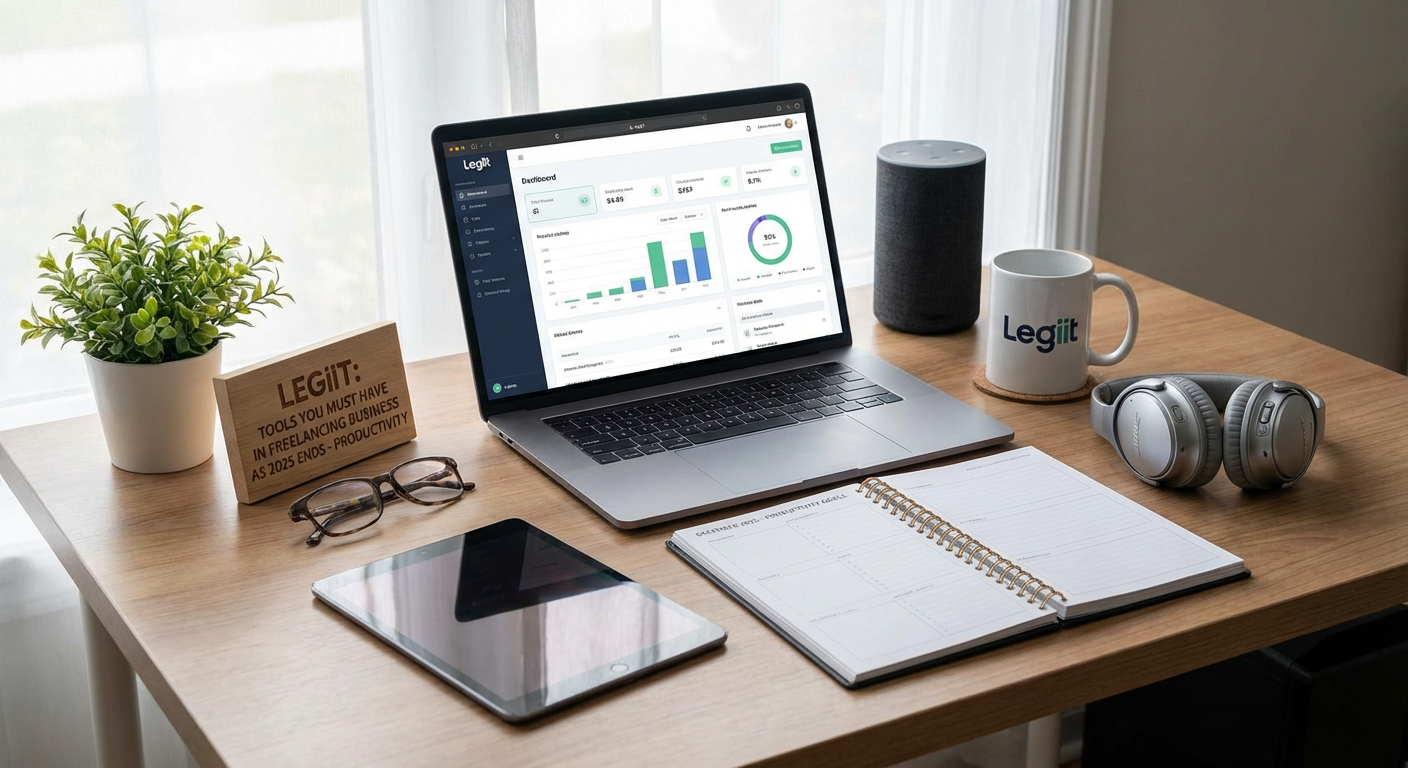
When you’re new to freelancing, finding clients and managing services can feel like a full-time job on its own. Legiit is a marketplace designed specifically for freelancers who want to sell their services without the hassle of building a complex website or spending hours on cold outreach. You can set up your profile and list your offerings in minutes, then let clients come to you.
What makes Legiit particularly helpful for beginners is how straightforward the platform is. You don’t need to worry about payment processing, contracts, or chasing down invoices. The system handles those details so you can focus on delivering great work. Plus, the community aspect means you can learn from other freelancers who are a few steps ahead of you.
If you’re still figuring out how to position your services or what to charge, Legiit gives you a low-pressure way to test the waters. You can start small, build up client reviews, and adjust your offerings as you learn what works. It’s a solid foundation for anyone who wants to start earning without getting bogged down in administrative tasks.
- Trello
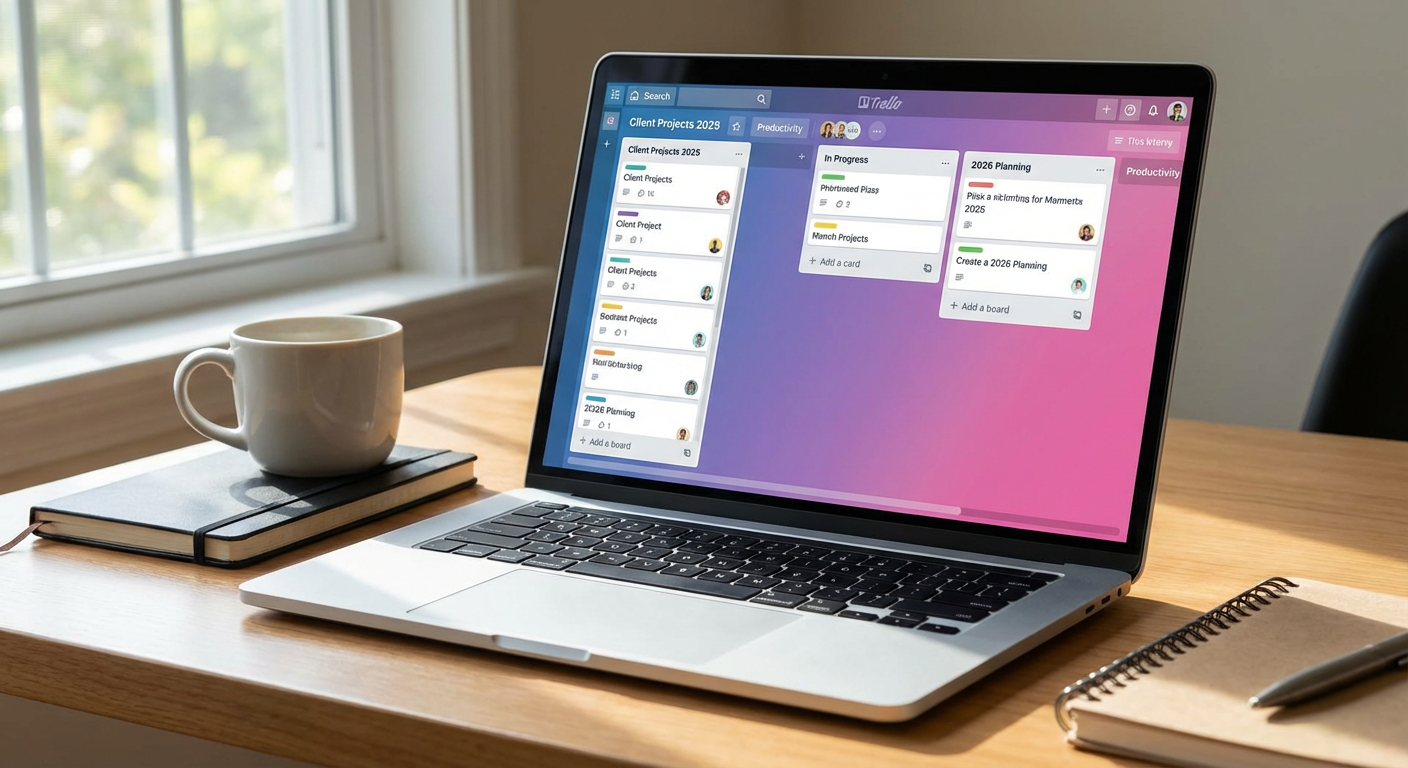
Trello is one of those tools that just makes sense the moment you open it. Instead of drowning in to-do lists or sticky notes, you get a visual board where you can move tasks from one column to another as you make progress. Think of it like a digital bulletin board that you can organize however you want.
For freelancers who are just starting out, Trello is perfect because it doesn’t force you into a rigid system. You can keep it as simple as three columns like To Do, Doing, and Done, or you can add more detail as you get comfortable. There are also templates available if you want a starting point, but you’re never locked into one way of doing things.
The free version gives you everything most solo freelancers need, and the mobile app means you can check your tasks or add new ones while you’re away from your desk. If you’ve never used project management software before, Trello is one of the easiest places to start.
- Toggl Track
Time tracking sounds tedious, but it’s one of the fastest ways to figure out where your hours actually go. Toggl Track makes this process painless with a simple start and stop button. You click it when you begin a task, and click again when you’re done. That’s it.
What beginners appreciate most is how Toggl Track shows you patterns in your work without requiring any setup or configuration. After a week or two, you’ll start to see which clients take up most of your time, which tasks eat up your day, and where you might be undercharging. This information is gold when you’re still learning how to price your services accurately.
The reports are clean and easy to read, so you don’t need to be a data analyst to make sense of them. You can also use Toggl Track to generate invoices based on tracked time, which saves you from doing math and guesswork when billing clients.
- Google Workspace
You probably already use Gmail, but Google Workspace takes things a step further by giving you professional tools that work together smoothly. You get email, document creation, spreadsheets, cloud storage, and video calling all in one place. For freelancers who want to look professional without learning multiple platforms, this is a simple choice.
The beauty of Google Workspace is that most people already know how to use it. If you’ve ever made a Google Doc or shared a file through Google Drive, you’re already halfway there. The collaboration features mean you can share documents with clients and get feedback in real time without emailing files back and forth.
Having a custom email address with your own domain name also makes you look more established, even if you just started freelancing last month. Clients take you more seriously when your emails come from [email protected] instead of a generic Gmail address.
- Canva
Not every freelancer needs fancy design skills, but everyone needs to create something visual eventually. Whether it’s a social media post, a simple logo, a client presentation, or an invoice template, Canva makes design accessible to people who have never touched Photoshop and don’t plan to.
The drag-and-drop interface is genuinely intuitive. You pick a template, swap out the text and images, and you’re done. There are thousands of free templates for almost anything you can think of, so you’re never starting from a blank canvas unless you want to.
For freelancers on a budget, the free version is more than enough to handle most tasks. You can create professional-looking materials without spending hours on tutorials or hiring a designer. This is especially helpful when you’re building your brand and need things like business cards, social media graphics, or proposal covers.
- Notion
Notion is like a blank notebook that can become anything you need it to be. You can use it to take notes, manage projects, track clients, store research, or build a knowledge base. The flexibility sounds complicated, but the interface itself is clean and approachable.
What makes Notion beginner-friendly is the template library. Instead of figuring everything out from scratch, you can grab a template for client management, project tracking, or content planning and start using it immediately. As you get more comfortable, you can customize things to fit your exact workflow.
Many freelancers use Notion as their central hub where everything lives in one place. Instead of jumping between five different apps, you can keep your notes, tasks, and resources all together. The learning curve is gentle, and there are plenty of YouTube tutorials if you want to go deeper.
- Grammarly
Clear communication is critical when you’re freelancing, whether you’re writing emails, proposals, blog posts, or social media updates. Grammarly acts like a safety net that catches typos, grammar mistakes, and awkward phrasing before your clients see them.
The tool works in the background while you type, so you don’t have to remember to check your writing separately. It integrates with your browser, email, and most writing apps, which means it’s always there when you need it. You just write normally, and Grammarly quietly suggests improvements.
The free version handles the essentials like spelling and basic grammar, which is all most freelancers need to look polished and professional. If English isn’t your first language or if you just want an extra layer of confidence in your communication, Grammarly is a simple addition that makes a real difference.
- Calendly
Scheduling calls with clients can turn into an exhausting game of email ping-pong. Calendly eliminates that back-and-forth by letting clients see your available times and book a slot that works for them. You set your availability once, share your link, and let the system handle the rest.
For beginners, this is a massive time saver. Instead of checking your calendar and suggesting three different times, then waiting for a response, then realizing none of those work, you just send one link. Clients pick a time, and it automatically appears on your calendar with all the details.
The free version includes everything most freelancers need, including time zone detection and basic calendar integrations. It also sends reminder emails automatically, which means fewer no-shows and less time spent following up.
- LastPass
As you start using more tools and working with more clients, you’ll accumulate dozens of passwords. Writing them down or reusing the same password everywhere is risky. LastPass stores all your passwords securely and fills them in automatically when you need them.
The setup takes about ten minutes, and after that, you barely think about passwords anymore. When you create a new account, LastPass offers to generate a strong password and save it for you. When you log in somewhere, it fills in your credentials automatically. It’s simple and removes a surprising amount of daily friction.
For freelancers who worry about security but don’t want to become cybersecurity experts, LastPass is an easy way to protect your accounts and your clients’ information. The free version works well for individual use, and the browser extension means it’s always available when you need it.
- Slack
Email works fine for some things, but when you’re working with clients who want faster communication or you’re collaborating with other freelancers, Slack makes conversations flow more naturally. It’s like texting for work, organized into channels and direct messages so everything stays sorted.
The interface is straightforward, and most people can start using Slack in minutes without any training. You can share files, search old conversations, and keep different projects or clients separated into their own spaces. This beats digging through email threads trying to find that one important detail someone mentioned two weeks ago.
Many clients already use Slack, so being comfortable with it makes you easier to work with. Even if you’re just using it to stay connected with a few people, it’s a helpful tool that doesn’t require much effort to learn.
- Wave
Handling money is one of the least fun parts of freelancing, but Wave makes invoicing and basic accounting about as painless as possible. You can create professional invoices in minutes, send them to clients, and track whether they’ve been paid. The best part is that it’s completely free for core features.
Wave is designed for small business owners and freelancers, not accountants, so the interface doesn’t assume you know what debits and credits are. You can see how much money is coming in, what expenses you’ve logged, and whether you’re actually making a profit. At tax time, you can pull reports that show everything in one place.
For beginners who feel intimidated by financial software, Wave removes most of the complexity. You don’t need to be good with numbers or understand accounting principles to keep your finances organized. It just works, and it costs nothing to get started.
Building a productive freelancing business doesn’t require mastering dozens of complicated tools or spending a fortune on software subscriptions. The ten options on this list were chosen because they’re genuinely easy to start using today, even if you’ve never considered yourself particularly tech-savvy. Each one solves a real problem that freelancers face, from finding clients to tracking time to staying organized. Start with one or two that address your biggest pain points right now, get comfortable with them, and then add more as your business grows. The goal isn’t to use every tool that exists, but to find the few that actually make your work life simpler. With the right small set of tools in your corner, you can focus more energy on doing great work and less on wrestling with administrative chaos.
Recent Comments